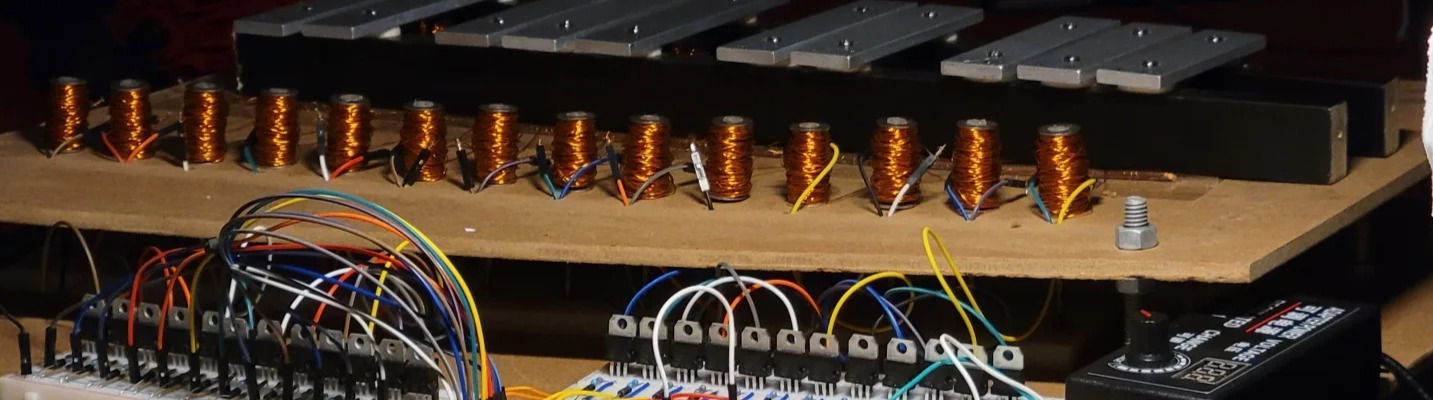
Automatic Xylophone — project illustration

Automatic xylophone with homemade solenoids 🎶🧲

Idea


  • I used to dislike electromagnetism, so I decided to build a project around it and learn through experimentation.
  • I also wanted to explore artificial intelligence in a project that combined hardware and software.


How it works

An existing MIDI library reads the note pitches and timing from MIDI files. The Arduino then activates the corresponding solenoids, striking the xylophone’s keys in sequence. The circuit is explained in the electronics section below.
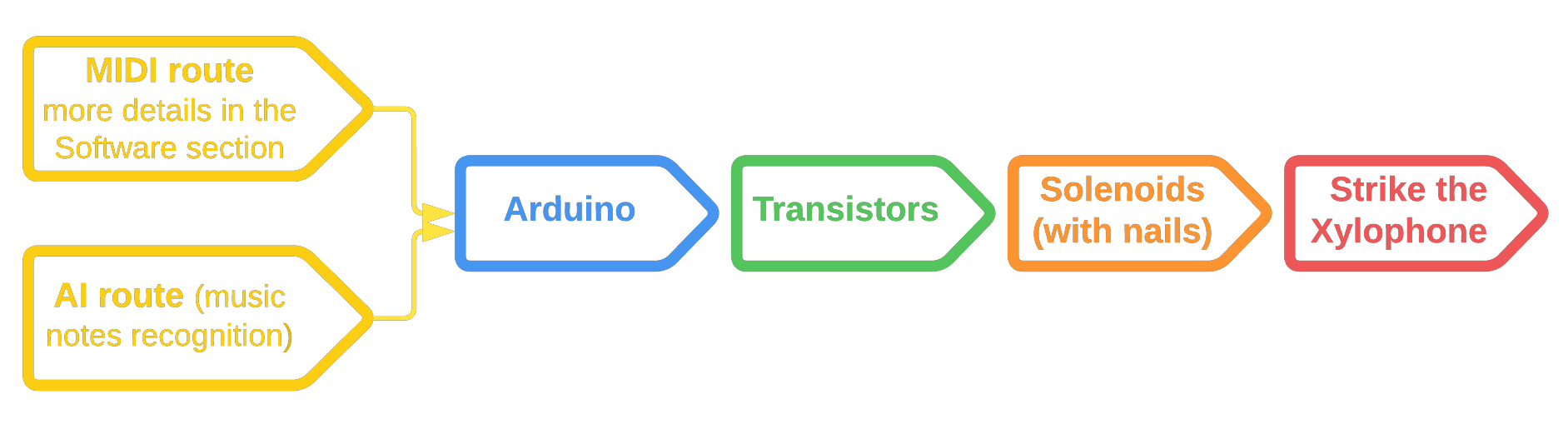

How it works — project illustration

Trial and error



  • The solenoids are the heart of the electrical system. Buying 24 of them would have been expensive, so I decided to make my own. It also seemed more fun and a good way to understand electromagnets better. Since the calculations were tricky, I used trial and error, testing different designs until I was happy with the result.
Trial and erros — project illustration
  • After trying different designs and nail sizes, I was happy with the sound from a 28 mm-long, 2 Ω solenoid wound with 26 AWG wire.

Solenoids

3D printing

Once I had chosen the dimensions of the custom solenoid, I planned to 3D-print its body and support. Unfortunately, the print failed, so I moved on to a different approach. The original design turned out to be workable after all: my mechanical engineering friend Malak adjusted the printer settings and got it to print correctly. By then, though, I had already built the alternative :/
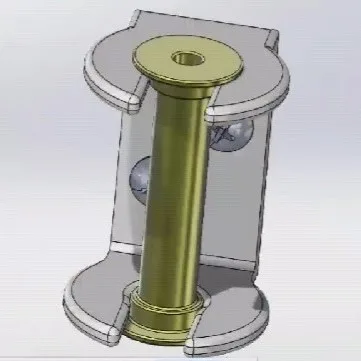
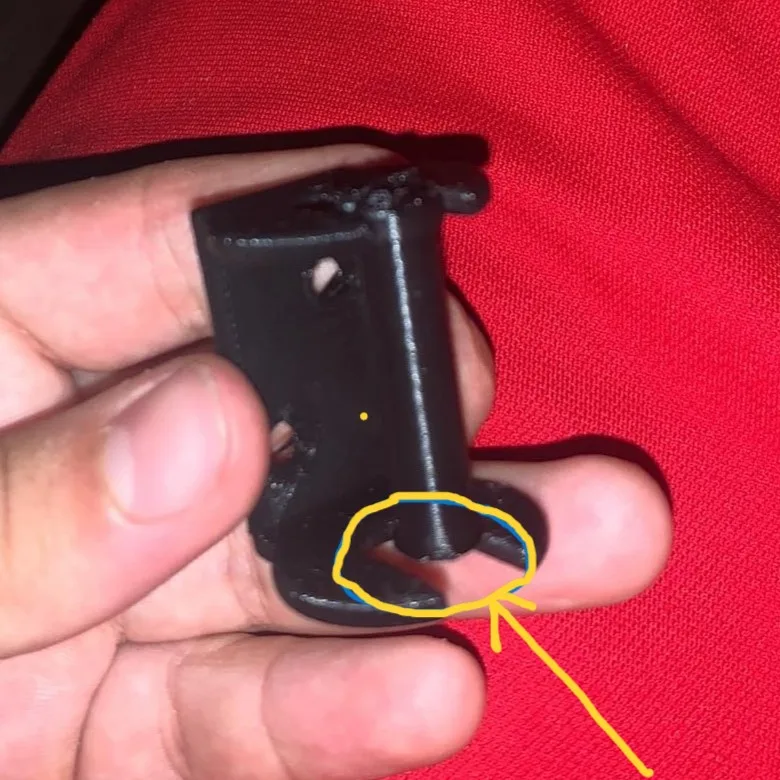
3D-printing — project illustration
SolidWorks.
3D-printing — project illustration
Failed printing.
3D-printing — project illustration
After a few adjustments.

Old-school DIY

Old school DIY. — project illustration
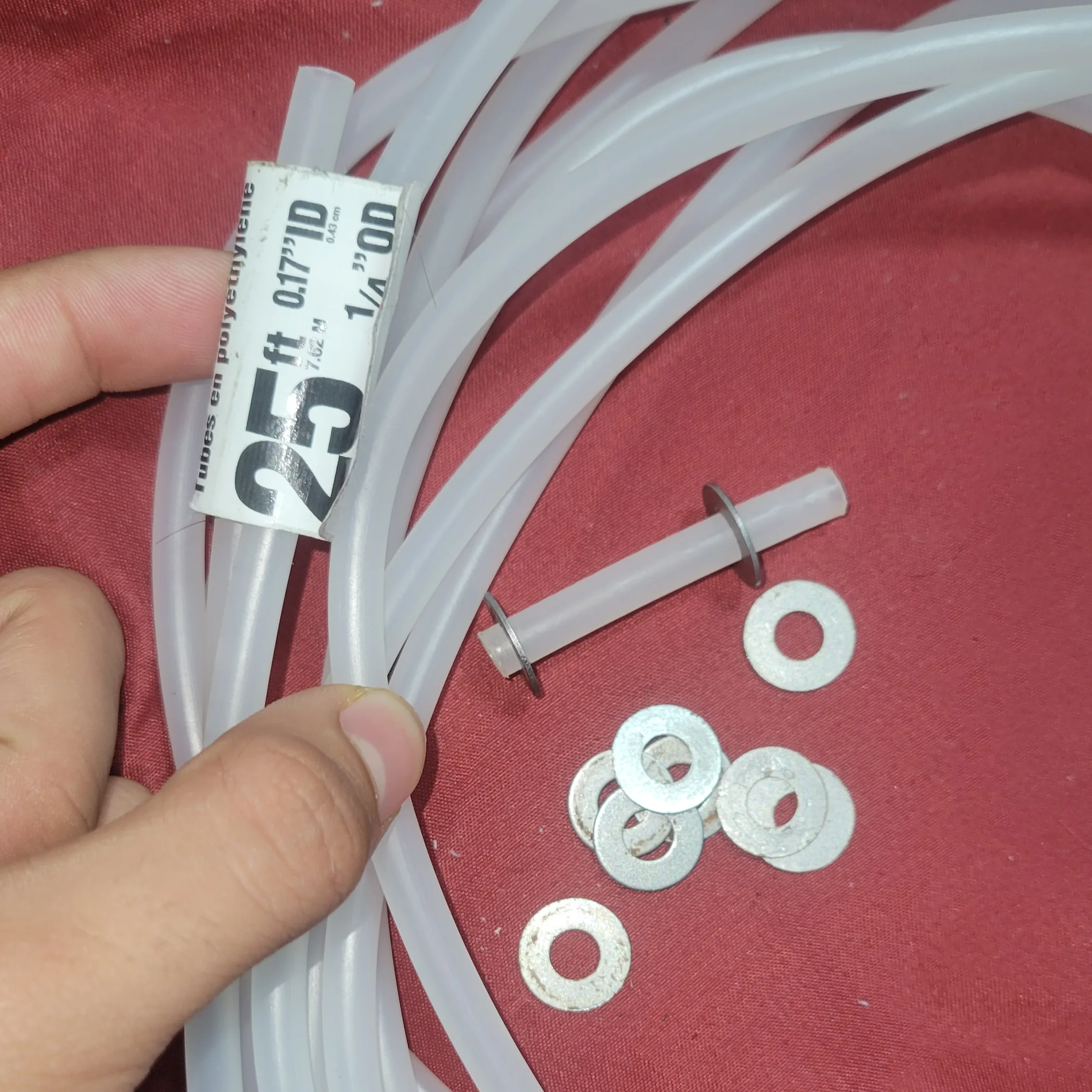
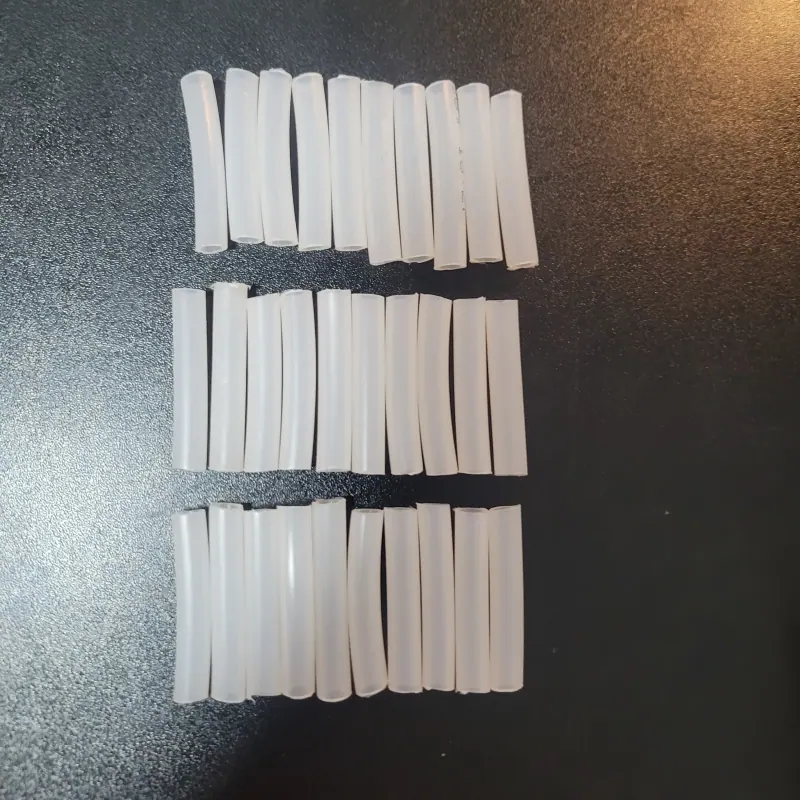
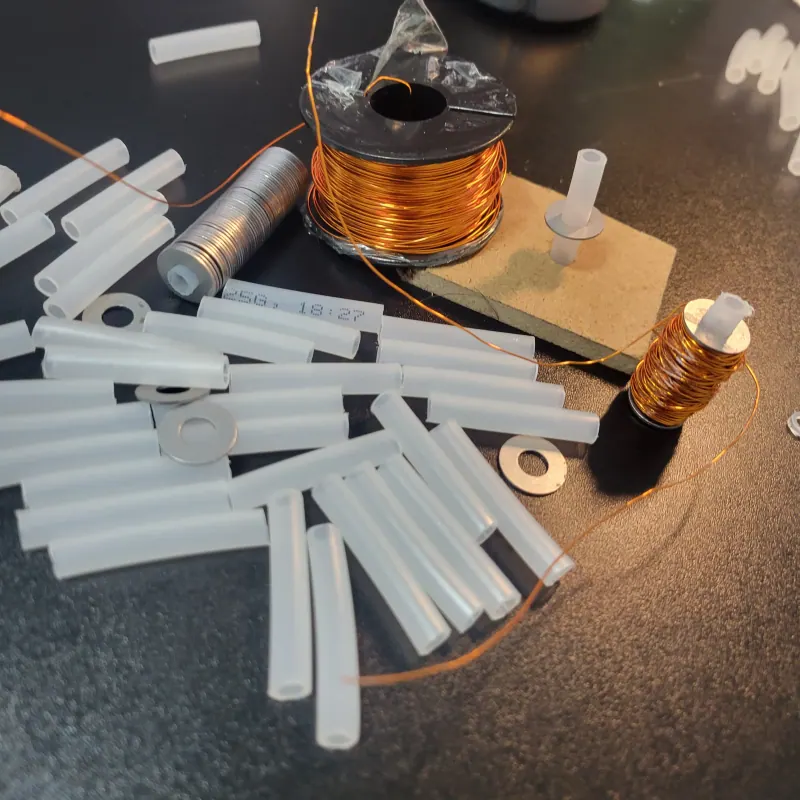
Tube and washers.
Old school DIY. — project illustration
Cutting the tube.
Old school DIY. — project illustration
One done, 23 to go.

Old school DIY. — project illustration


I used a hair straightener to melt the glue. Its broad heated surface made it easier to spread the glue evenly, which was faster and more convenient than using a glue gun.
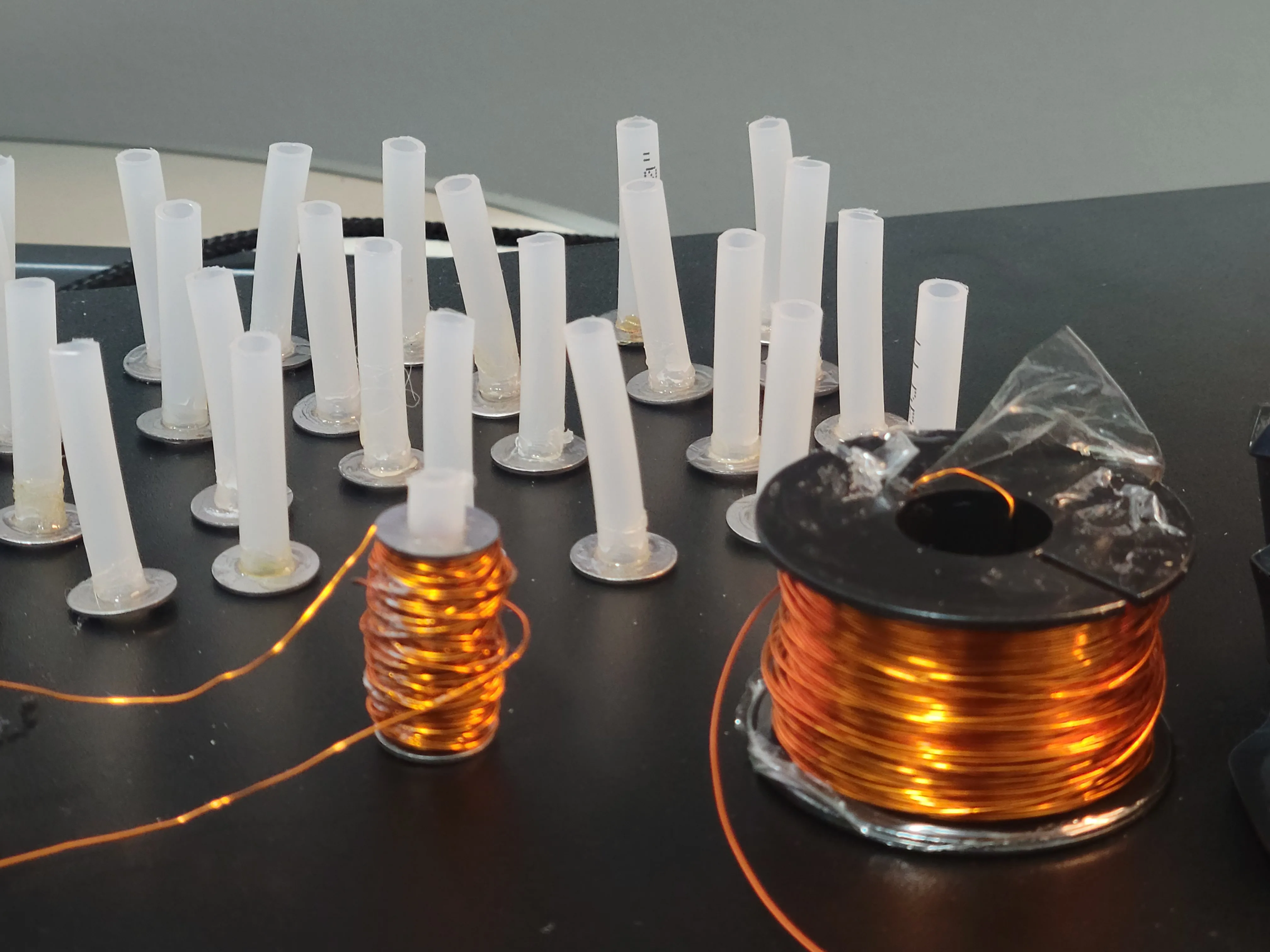
Old school DIY. — project illustration

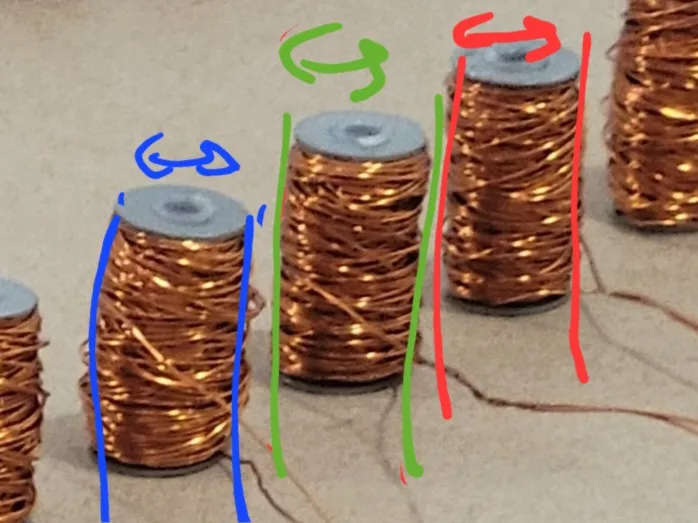
  • Counting every turn by hand was tedious, so I used a timing estimate:
    About 400 turns gave me 2 Ω. I counted the turns made in five seconds, then used that winding rate to estimate how long 400 turns would take.
  • I also got lucky: filling the space between the washers gave almost exactly the coil thickness needed for 2 Ω. That became a useful visual guide, without relying entirely on counting turns or timing each winding.
Old school DIY. — project illustration

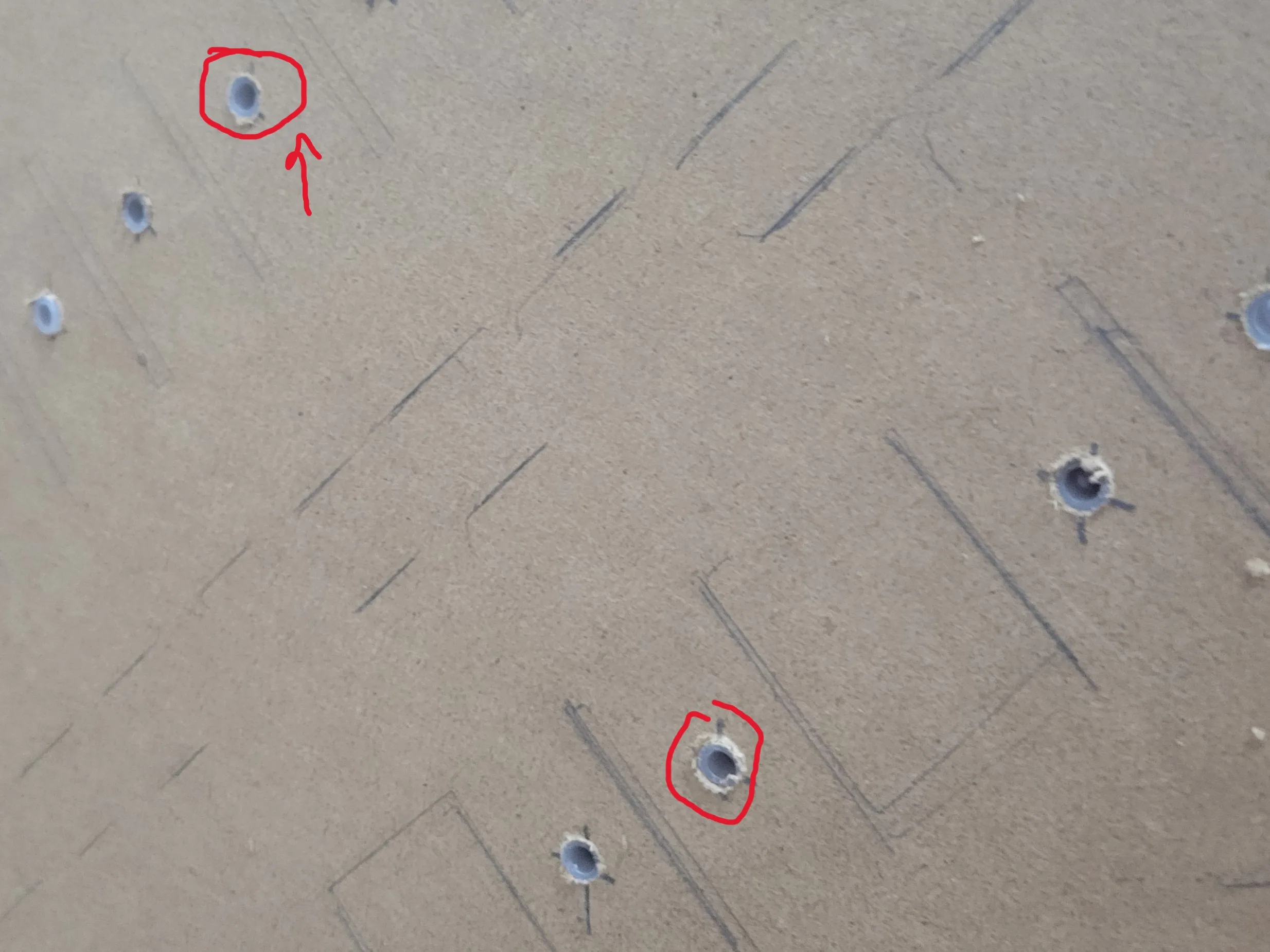
I drilled holes in a wooden support to hold the solenoids. It held them firmly and was simpler to build than the 3D-printed design, so I used it for the final mount.
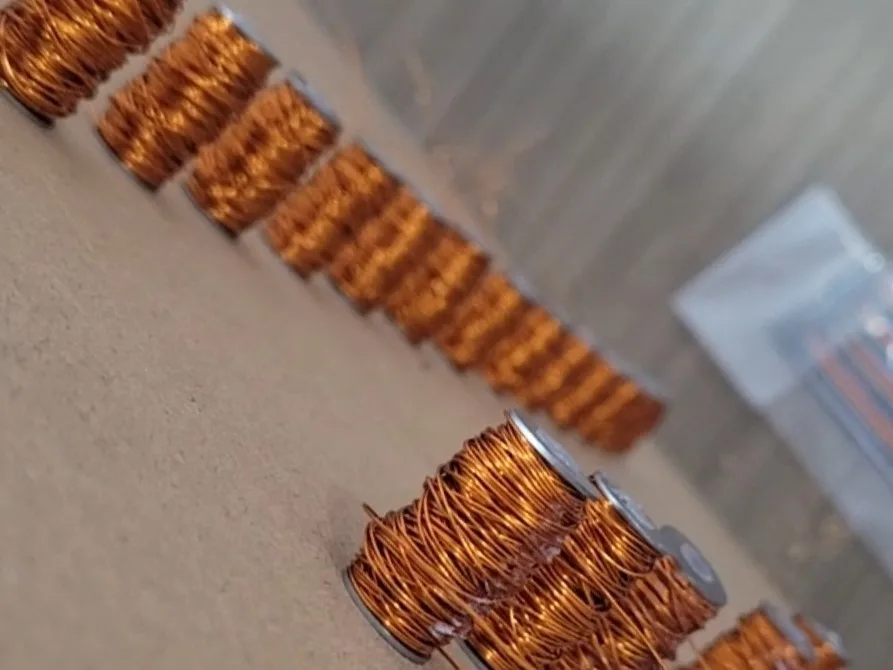
Old school DIY. — project illustration

The frame

The Frame — project illustration
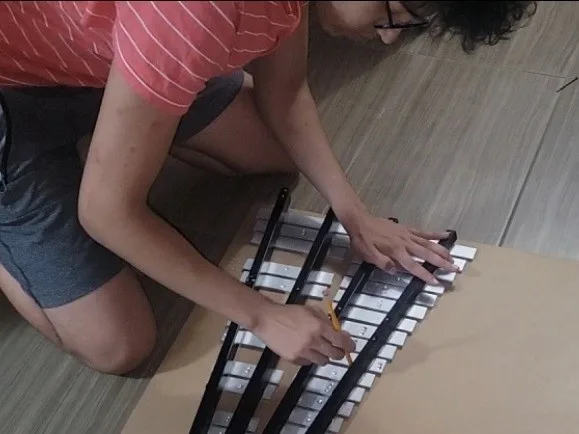
Tracing the xylophone’s outline.
The Frame — project illustration
Positioning the solenoids.
The Frame — project illustration
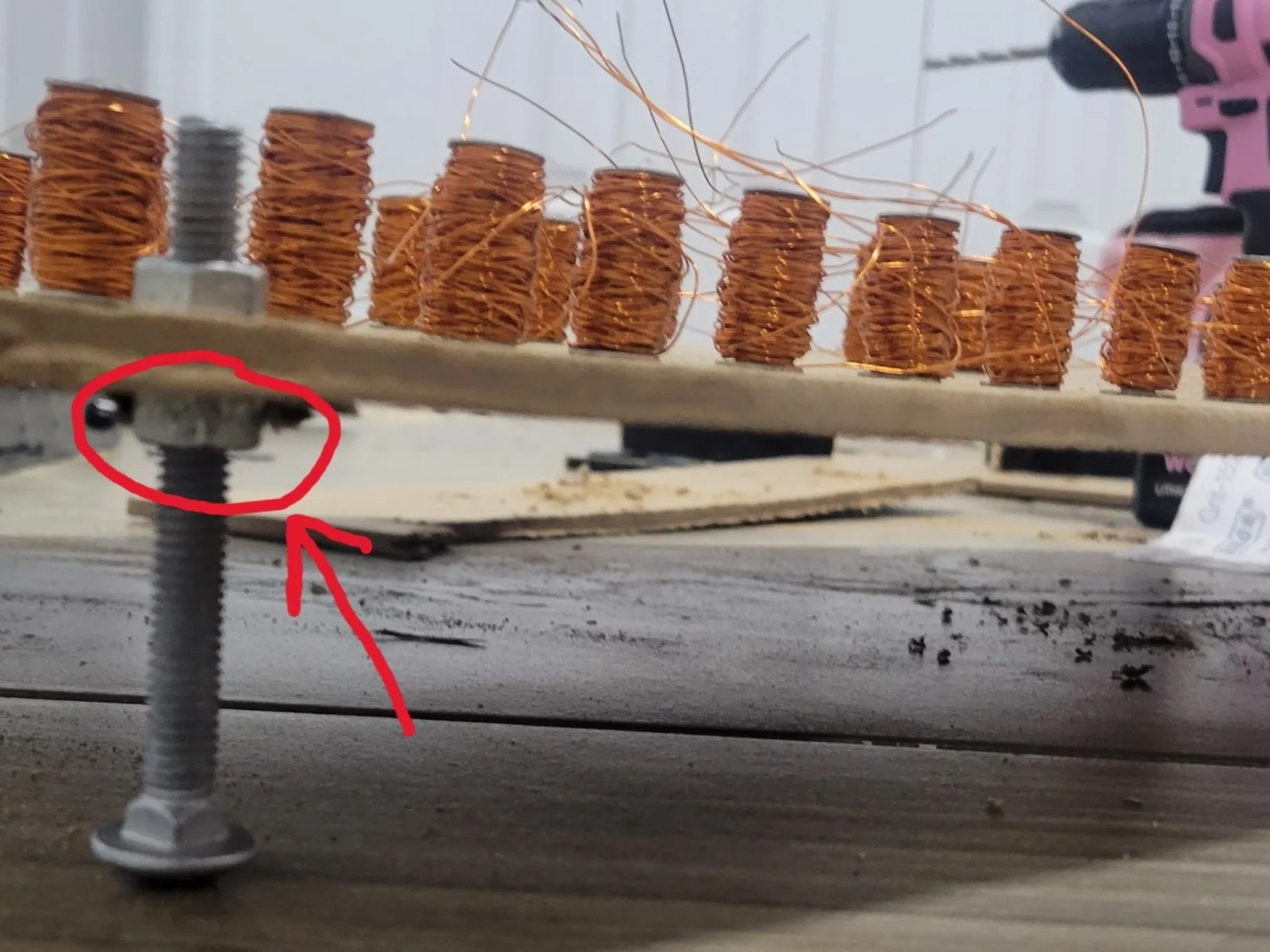
Adjustable height.

Quick note

Adding a permanent magnet on top can dramatically increase the force for the same electrical input, but I chose not to use one because:
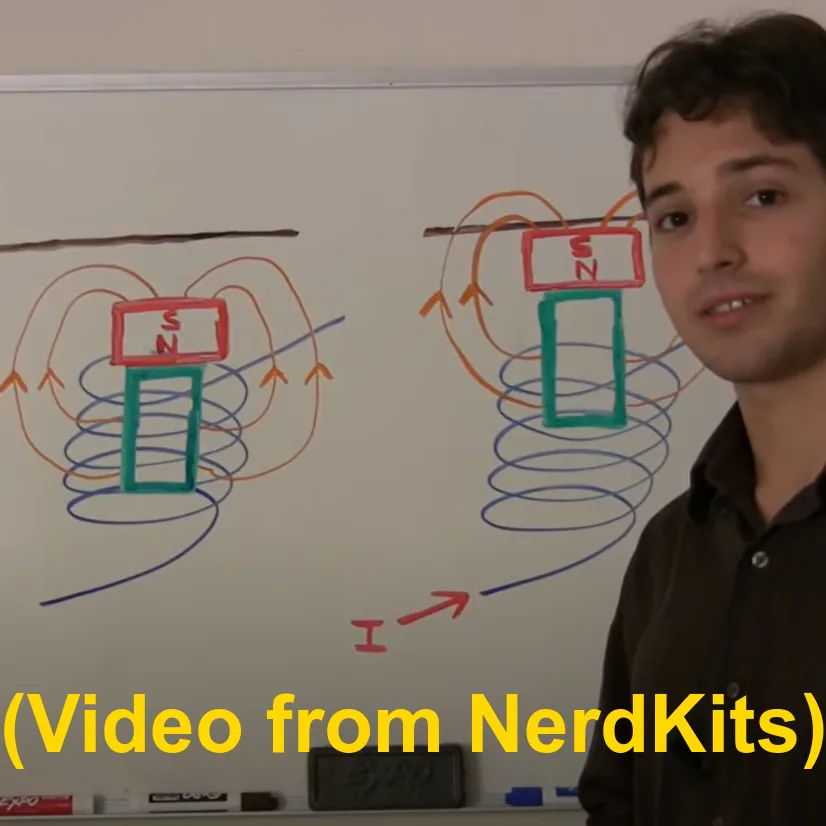
  • My washers are metal, so > the magnet and nail would stick to them.
  • Striking a key with the nail’s tip worked better than using the magnet’s wider face. The larger contact area could damp the key’s vibration, although the effect was small.
  • Most importantly, it already worked well without the magnet using the 5 A power supply.
Quick note — project illustration

Electronics

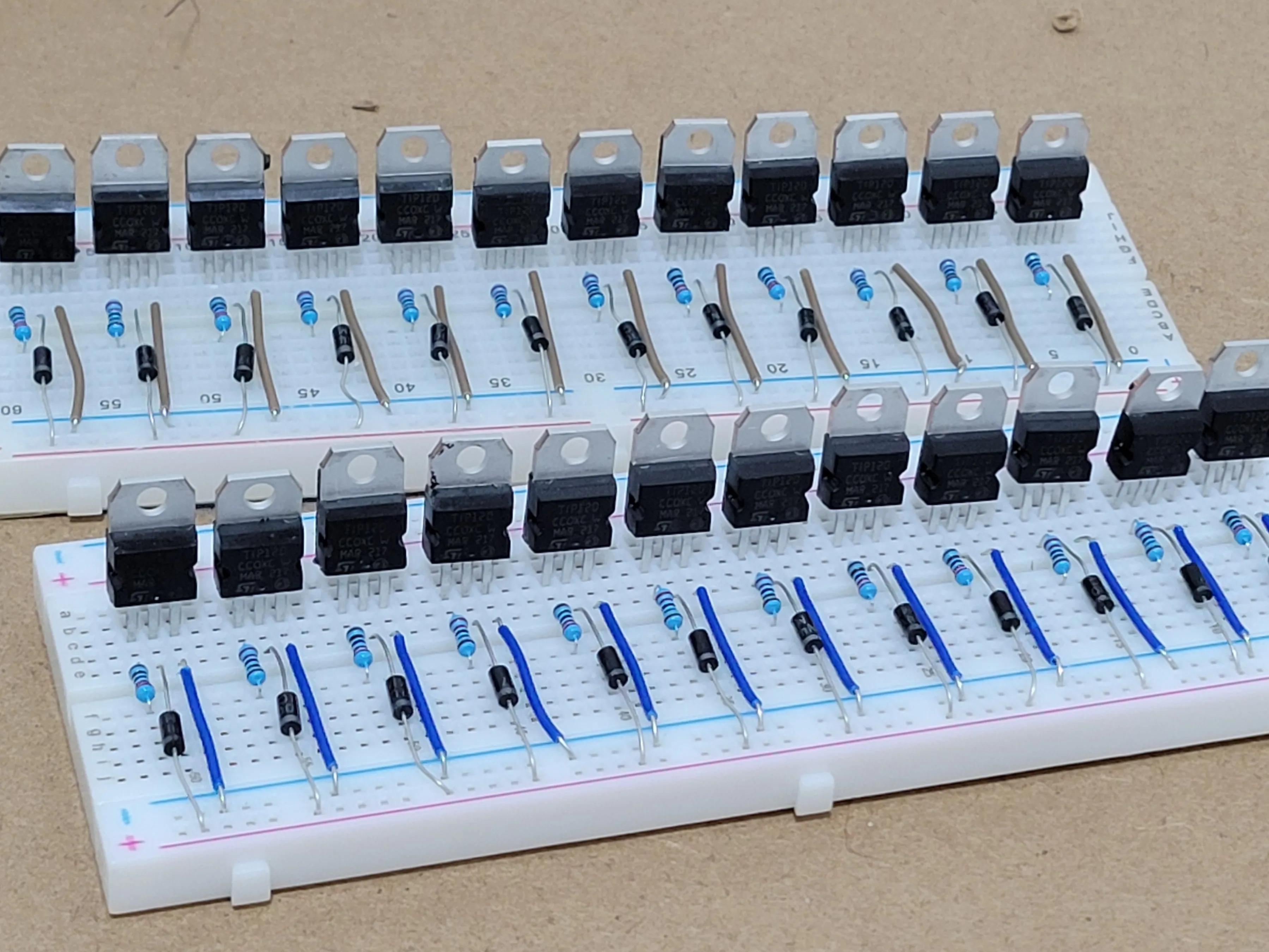
The Arduino’s digital pins have a current limit of around 40 mA (each solenoid needs about 1.2 A) . To activate up to four solenoids together, I needed an external 5 A supply and switching components. I ruled out relays because their mechanical clicks were audible and they were not a good fit for repeated rapid switching.
BJTs vs MOSFETs


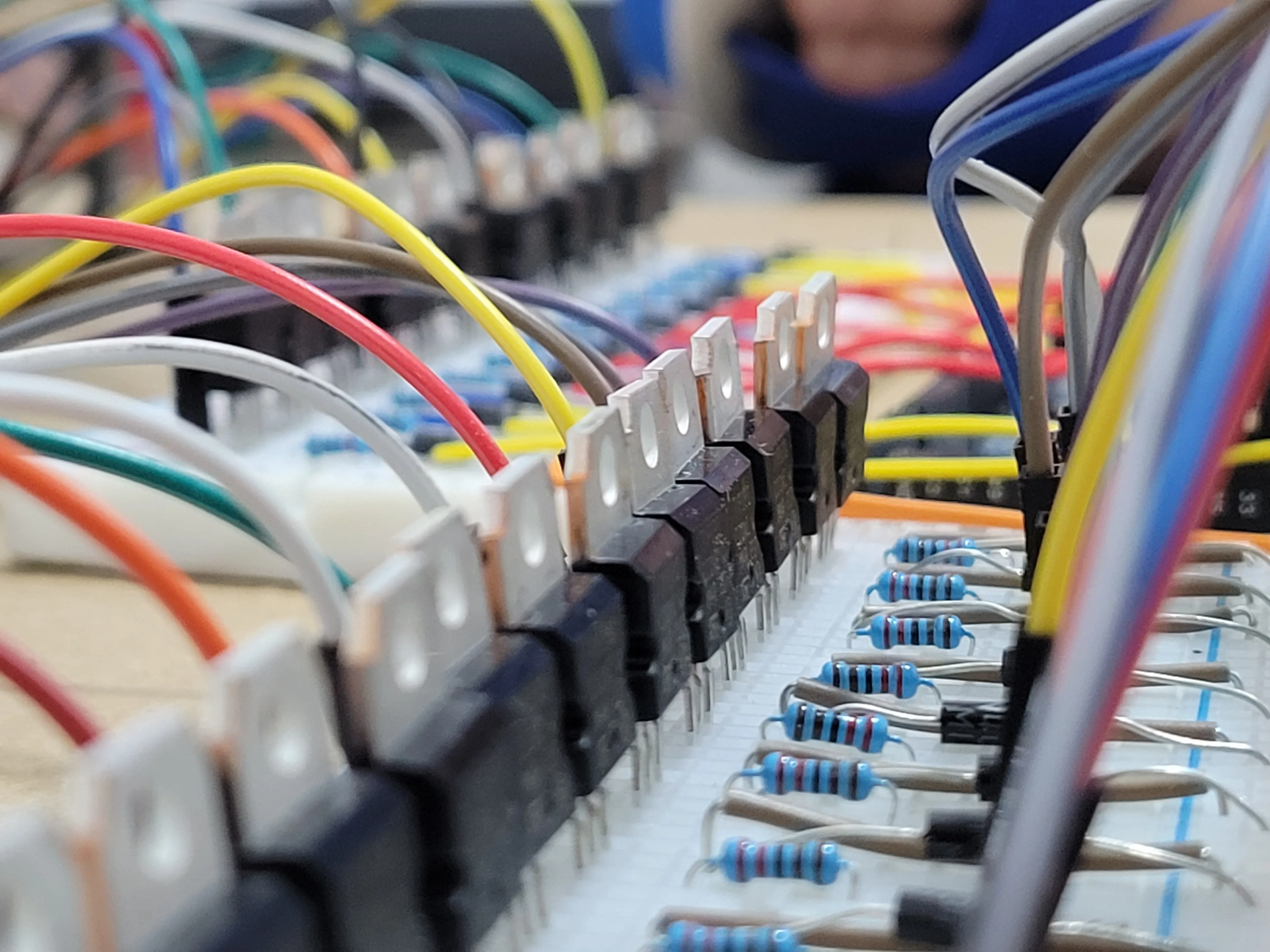
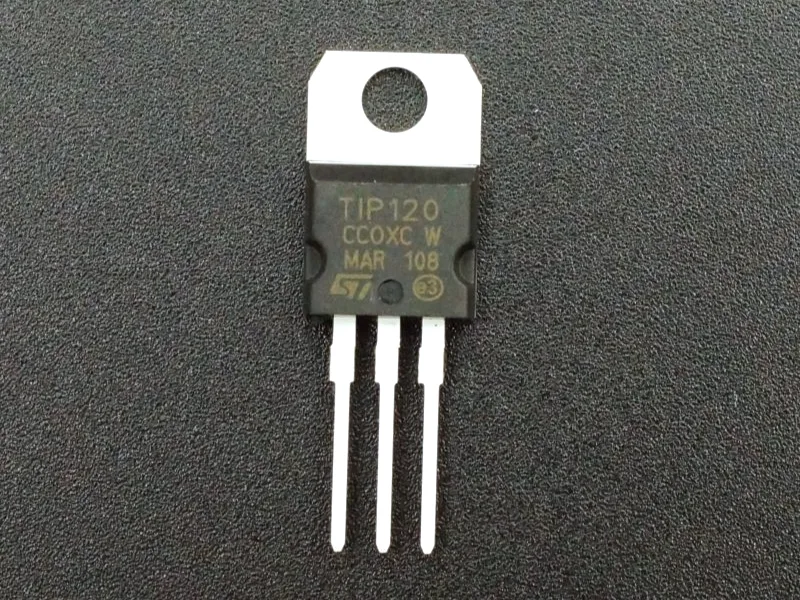
  • I chose TIP120 NPN transistors. Several Reddit users suggested MOSFETs instead to reduce voltage loss & heat, but the MOSFETs I found cost about three times as much, and I did not want to wait for shipping.
BJTs vs MOSFETs — project illustration

If it works, don’t touch it?

  • I was used to the approach “if it works, don’t touch it” . I initially ignored the solenoids’ back EMF and left out the protective diodes, since the circuit appeared to work without them.
  • The early tests used relatively little current. Once I connected the 5A, 12V supply and tried the full load, some transistors burned out. So much for “don’t touch it” :)
If it work don't touch it — project illustration

Final circuit

Final circuit — project illustration
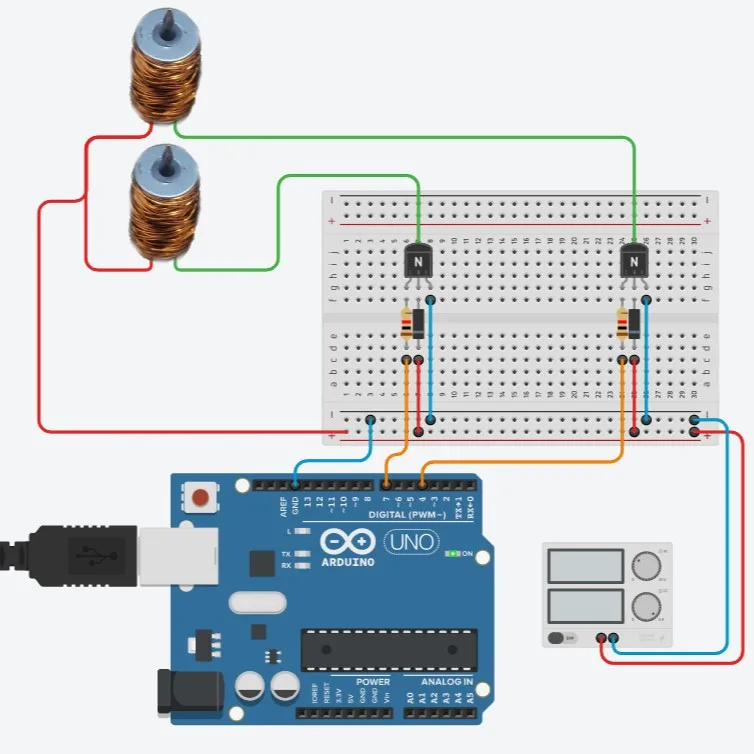
A simplified wiring illustration made in Tinkercad.
Final circuit — project illustration
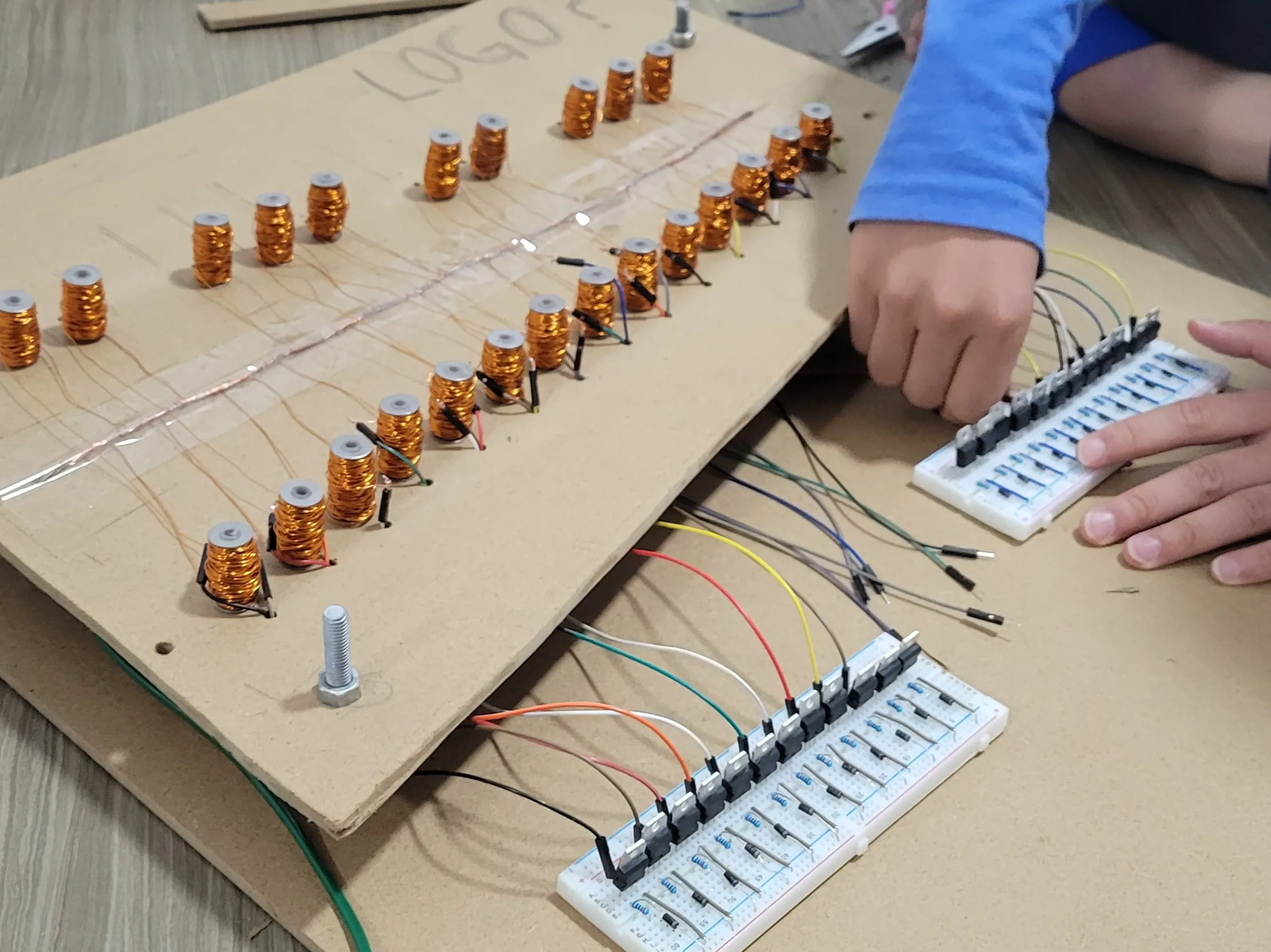
We connected one end of each solenoid to this common wire.
Idea: (+) terminal stays connected to the supply , while the (-) side is switched by its transistor when the Arduino sends a signal.
Final circuit — project illustration

Installing the components on breadboards.
Final circuit — project illustration
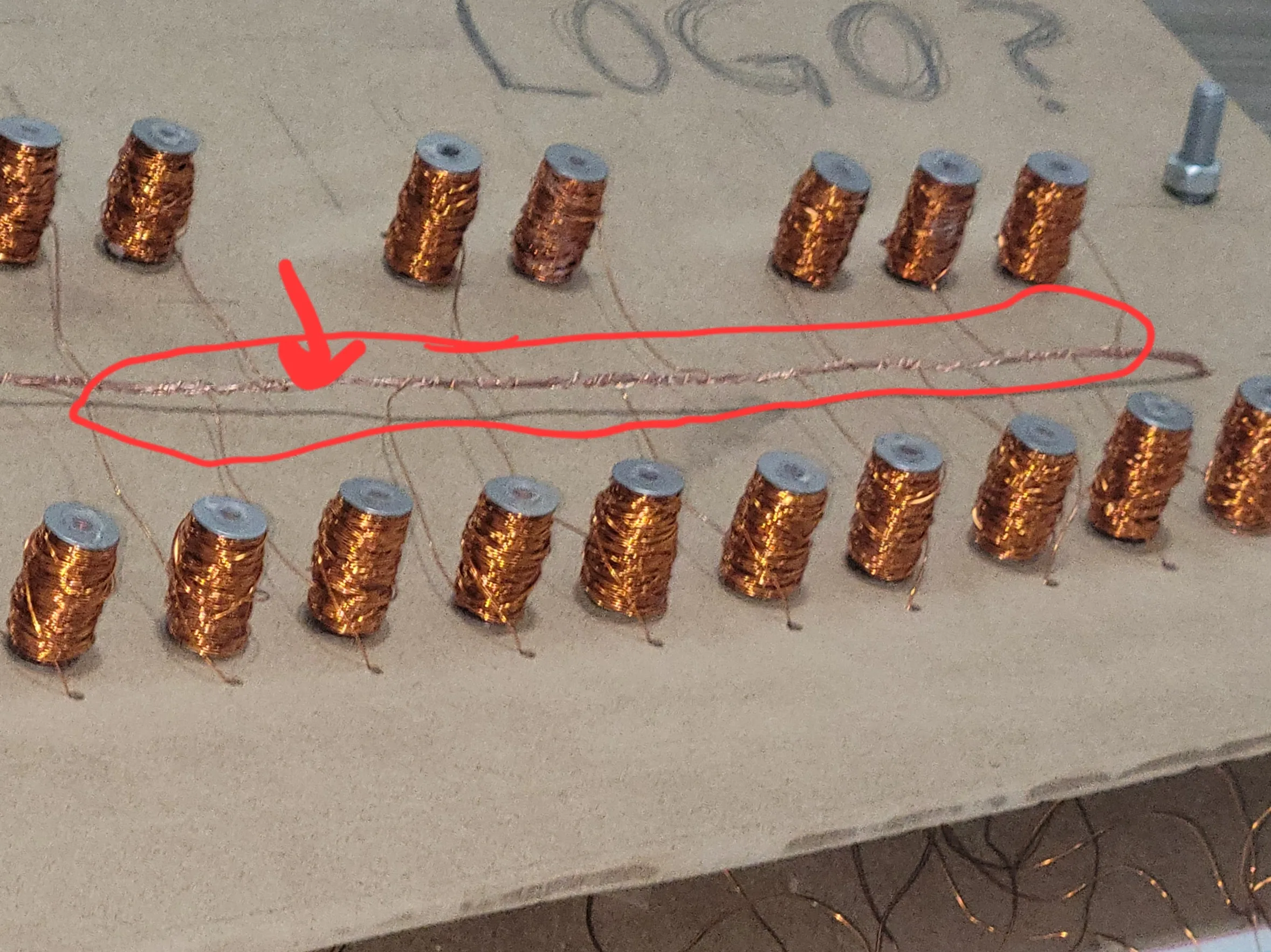
We connected the other end of each solenoid to the breadboard. To simplify the wiring, I placed the connections for the rear solenoids along the front row.

Testing

A simple program cycles through all the solenoids.
Testing without the xylophone.

Testing — project illustration
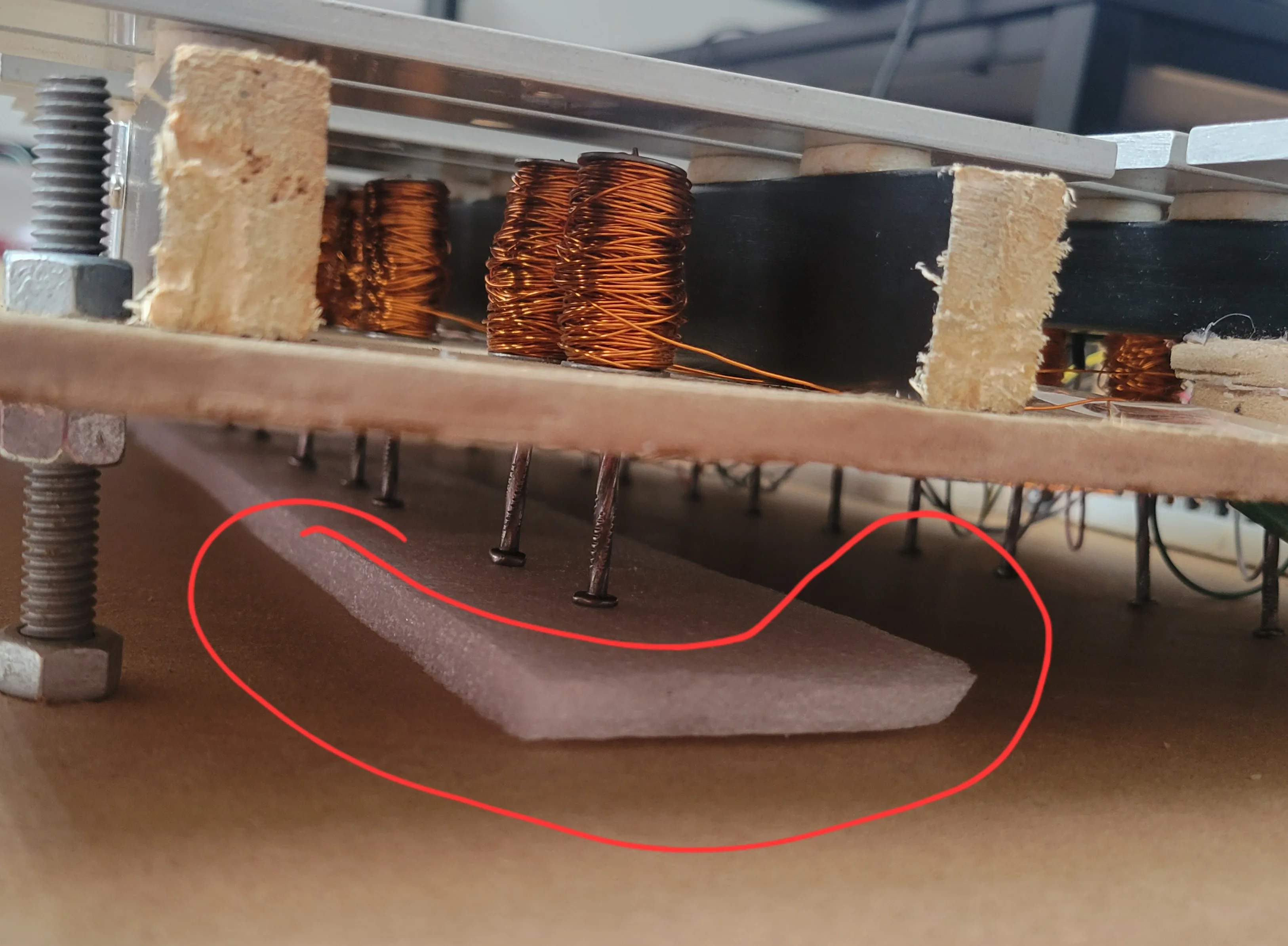
Foam absorbs the nail strikes and reduces their noise.
Testing — project illustration
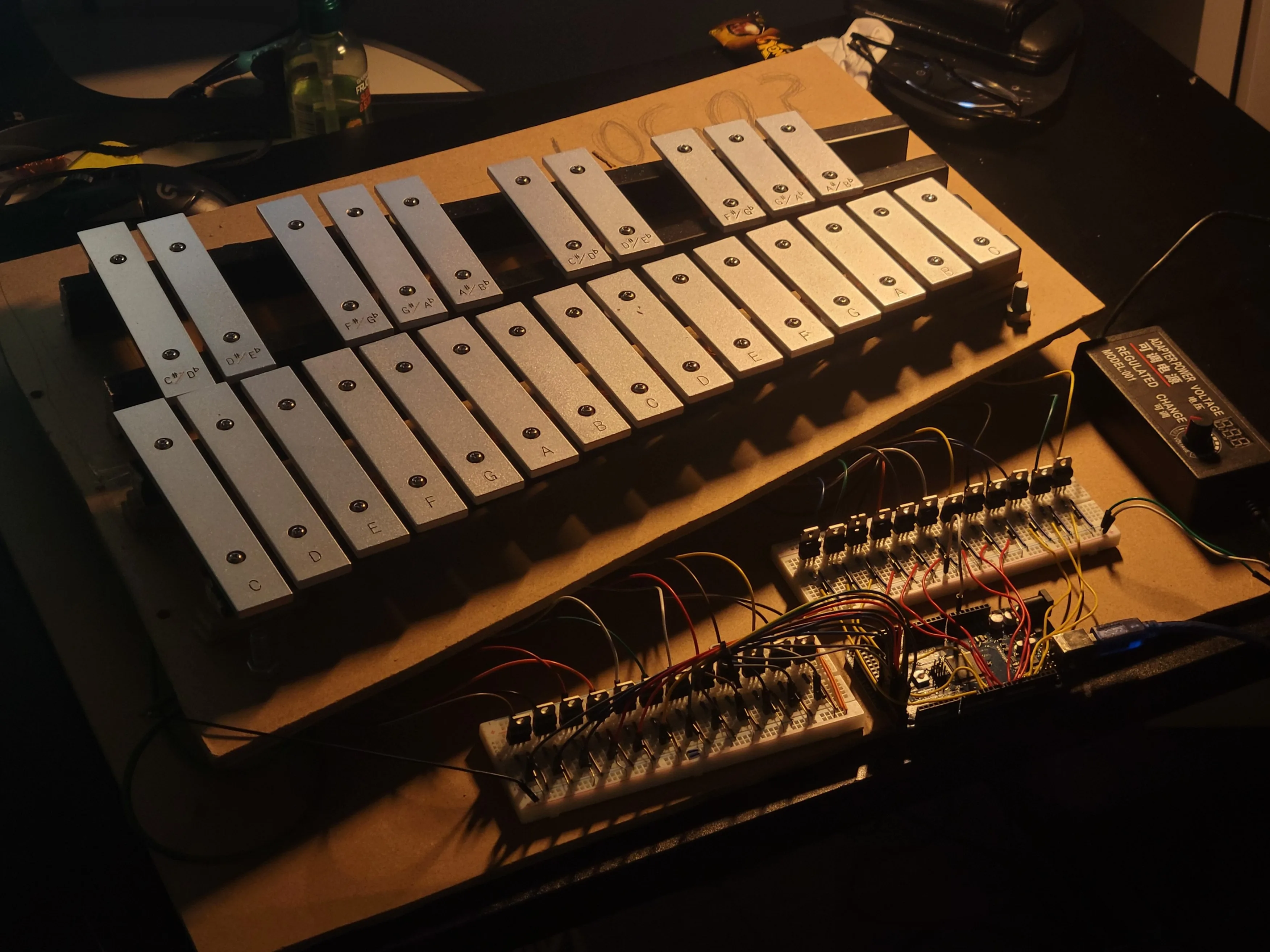
Looking good :)

Software

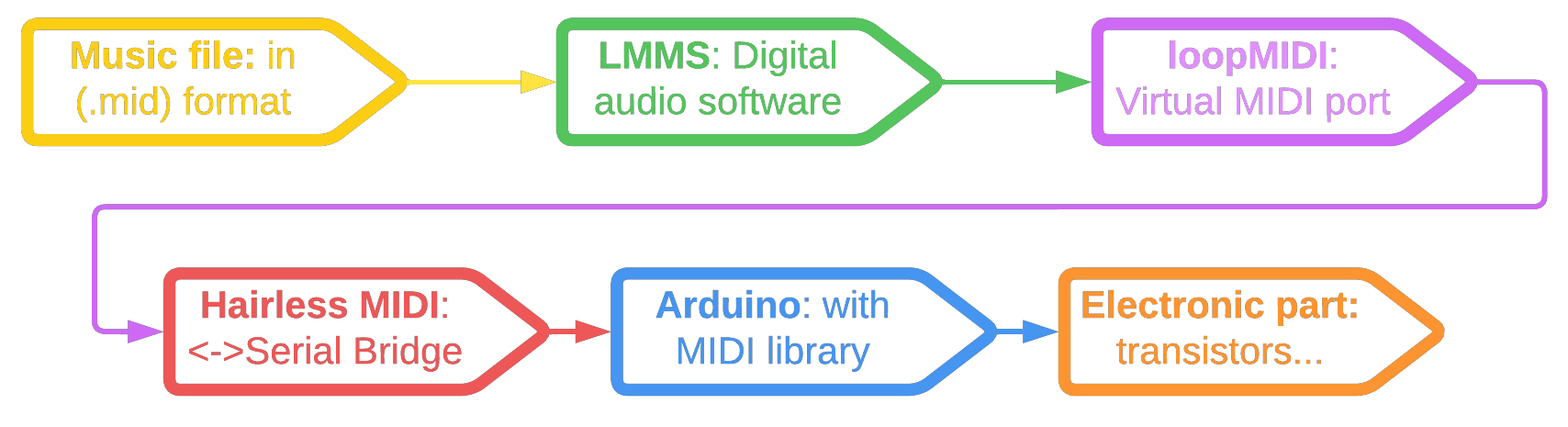
My longer-term goal is to recognize notes from sheet-music images and send their note indices & timing to the Arduino. For now, the system uses MIDI files, with the following software pipeline:
Software — project illustration

MIDI file

You can use this website to find MIDI files, or search online for the piece’s name followed by “.mid”.

Digital audio software

LMMS is the digital audio software I used to:
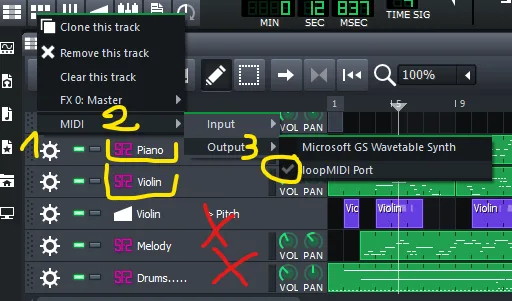
  • Read MIDI files.
  • Mute the unwanted tracks, such as bass and drums, to isolate the instrument I wanted to play.
  • Send the MIDI output to a virtual port (see below).
Digital audio software — project illustration
Virtual MIDI port
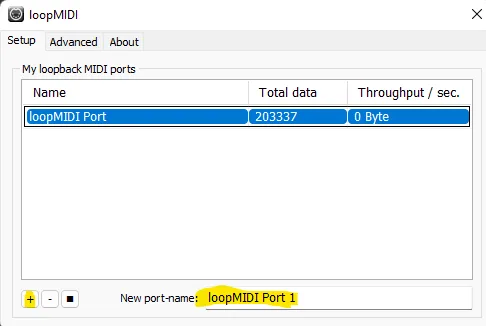
  • LMMS needs a MIDI output device, so I created a virtual port to pass its output to the next program. The setup may differ on macOS; on Windows, I used loopMIDI successfully.
Virtual MIDI port — project illustration
Bridge
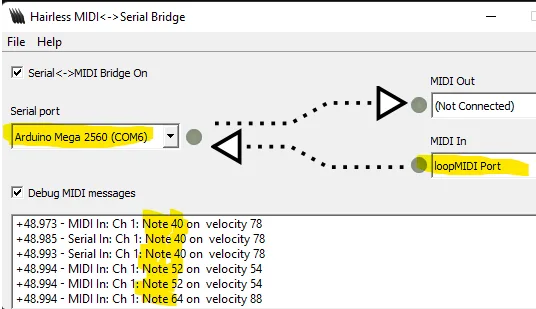
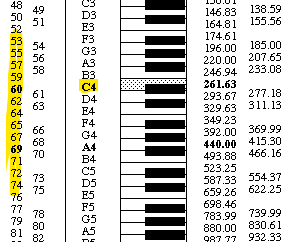
  • I used Hairless MIDI to forward the MIDI output to the Arduino over serial. The “Note: XX” values are note numbers defined by MIDI; for example, middle C (C4) is 60.
Bridge — project illustration
Arduino and MIDI library
  • Map each solenoid to an Arduino pin and assign it the corresponding MIDI note number.
  • Use a function to read incoming MIDI messages.
  • The xylophone has 24 notes across two octaves. Notes outside that range are shifted to an equivalent note within it, for example, C6 becomes C5. It is not a faithful reproduction of every piece, but it is better than dropping the note entirely. The mapping accepts all 88 piano notes while keeping playback within the instrument’s physical range.
Arduino + Library setup — project illustration

A few tunes

We Wish You a Merry Christmas


FĂĽr Elise


Alla Turca

The Stars and Stripes Forever