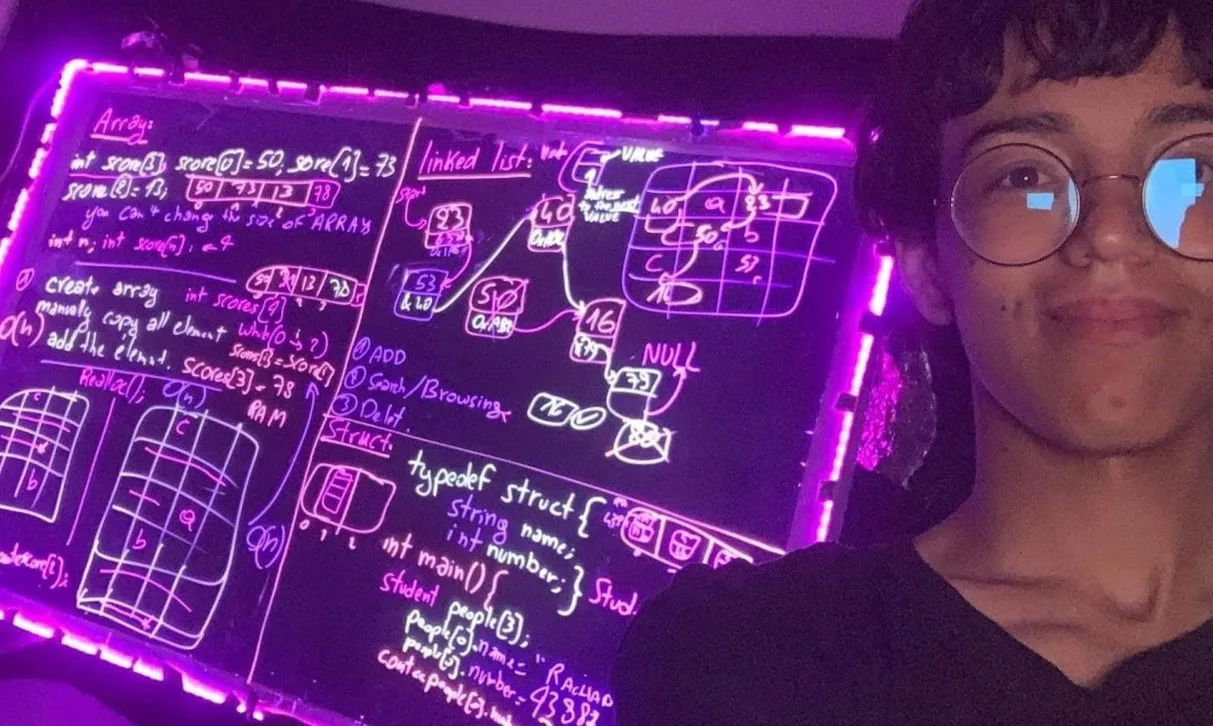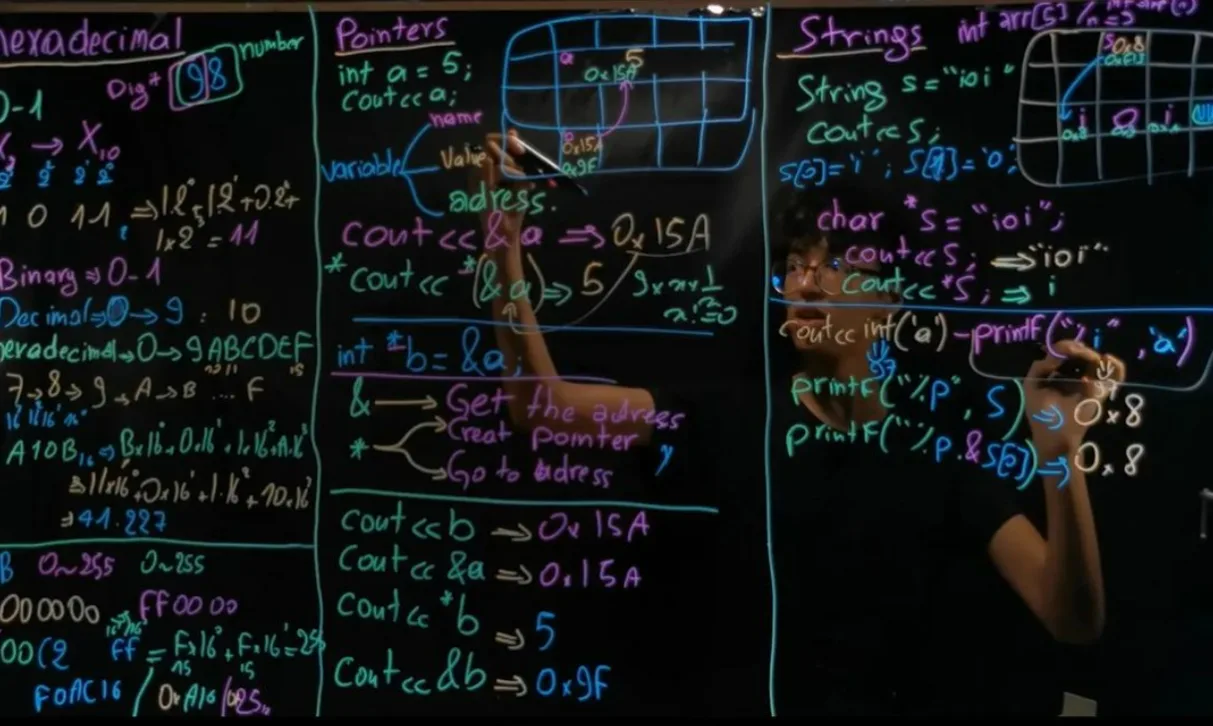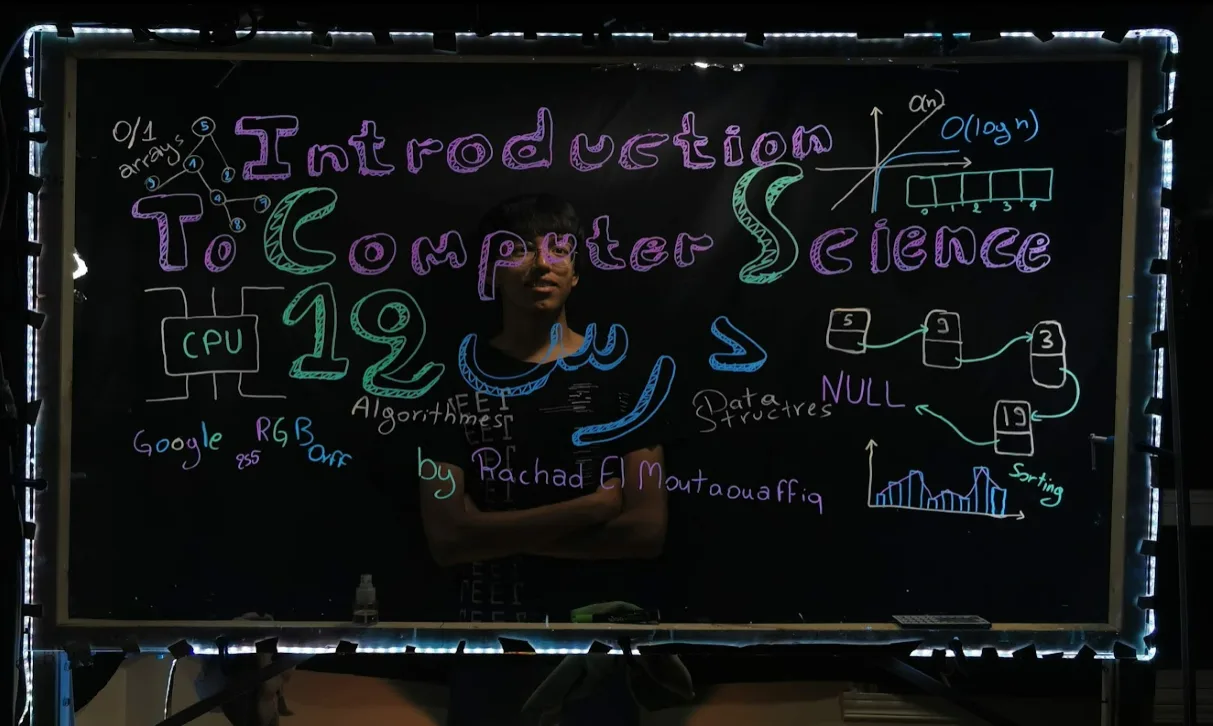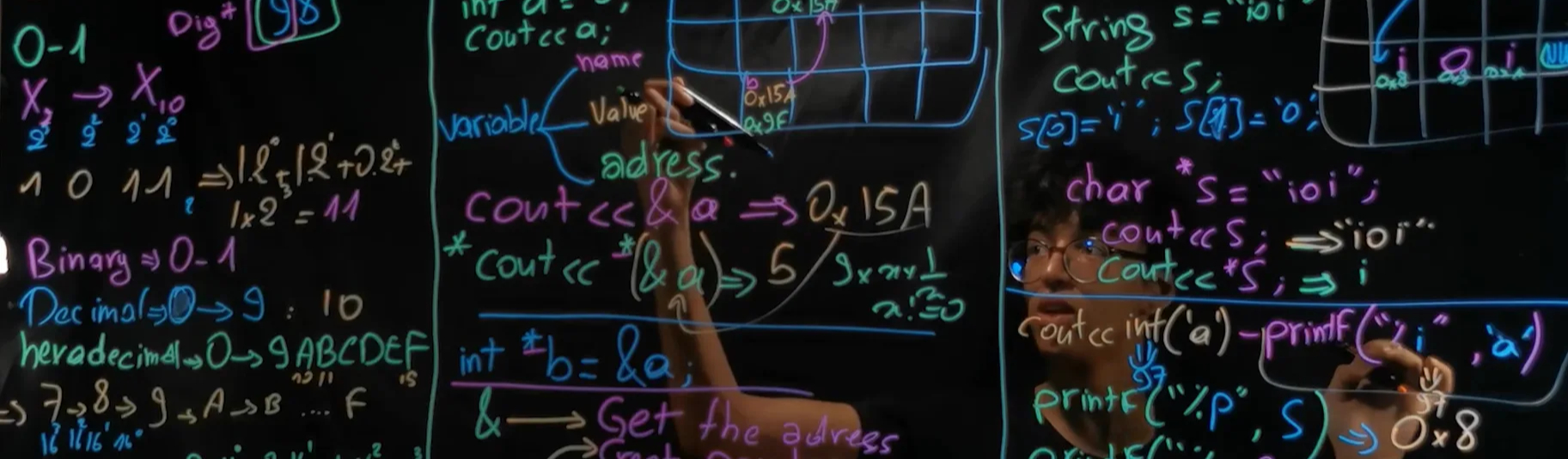
Lightboard β€” project illustration

Lightboard πŸ’‘βœοΈ

Introduction


  • Before my 1st programming Olympiad, I thought coding was mostly simple input/output work, like my Arduino projects. I had not yet encountered Big O notation, sorting algorithms, or graphs. I was eliminated early, but it became a turning point. I learned a lot afterward and placed 12th nationally the following year.

Intro β€” project illustration

  • During COVID, I had plenty of free time and wanted to give back to the community by helping Moroccan students learn computer science in a more interactive way.

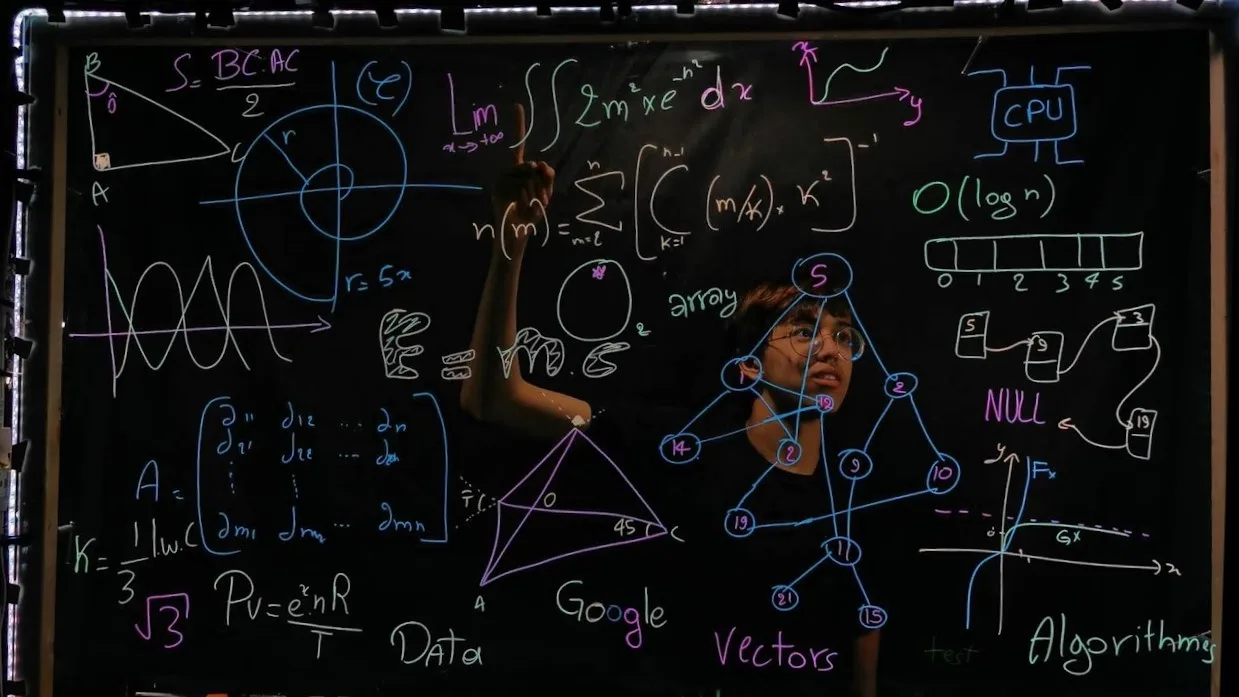
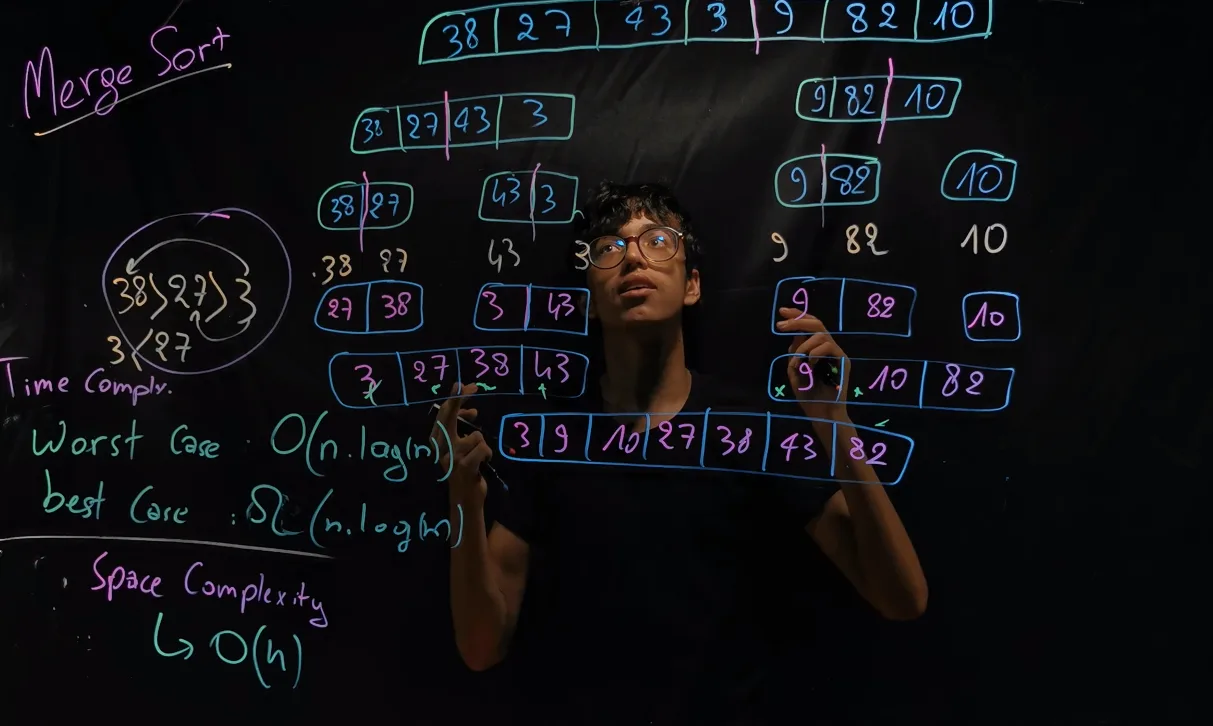

Content: I produced 12 lessons, each around 25–48 minutes long. (The videos are not in English :/) The topics include:
Testing


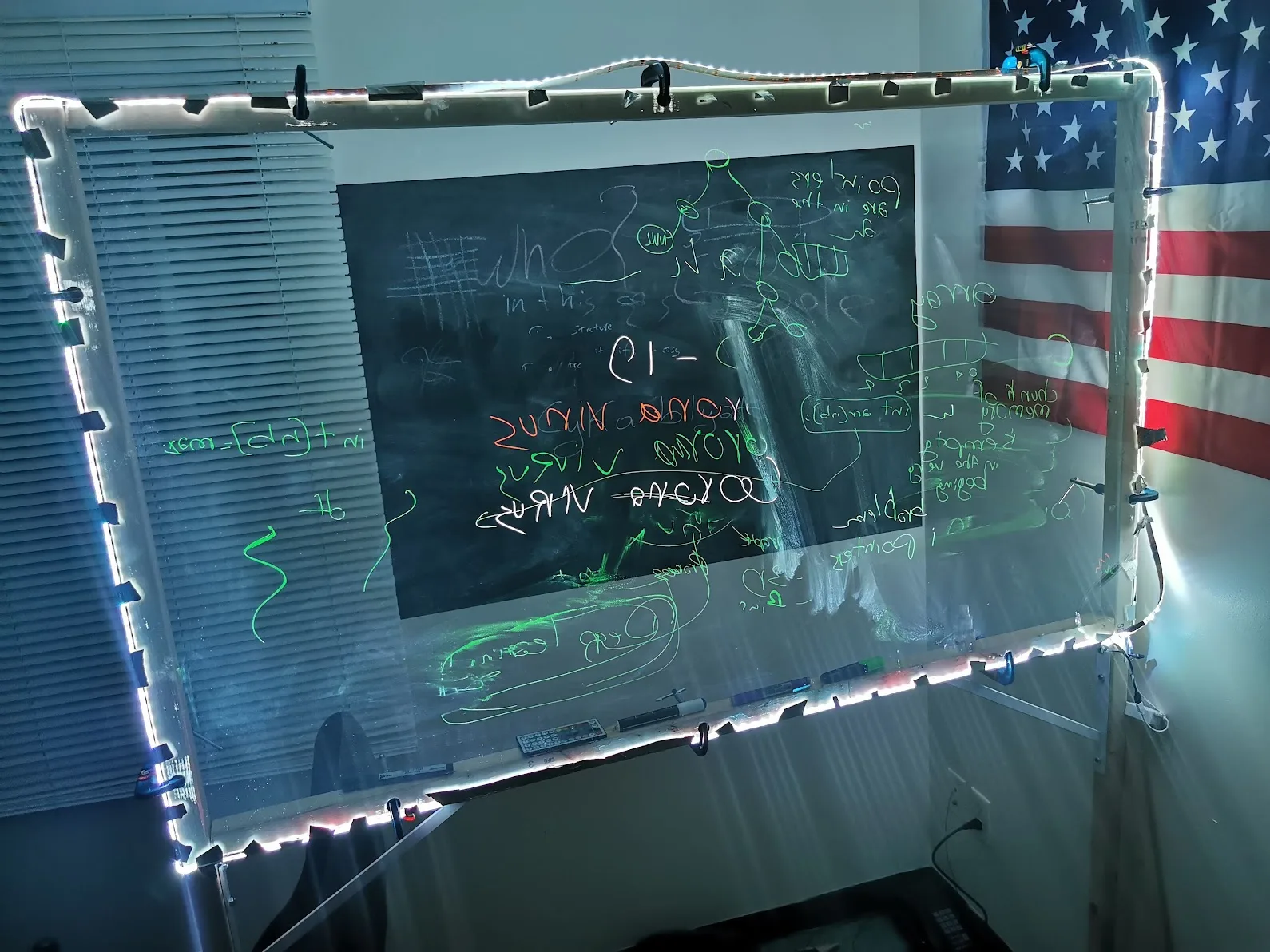

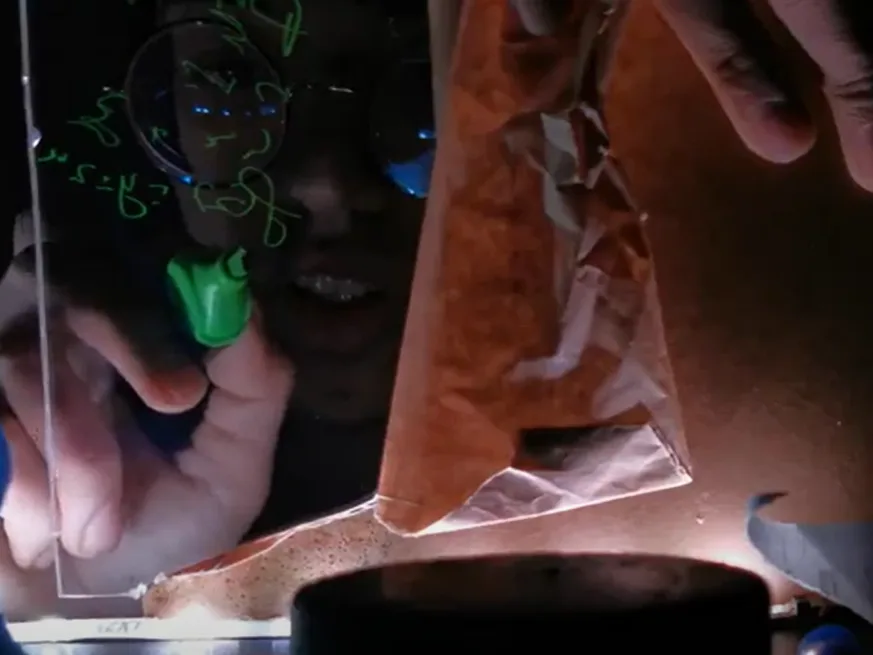
  • A lightboard sends light through a transparent sheet’s edge, making fluorescent marker strokes stand out against the background.
  • Before building the full frame, I tested the idea on a small acrylic sheet, and it worked!
Testing β€” project illustration

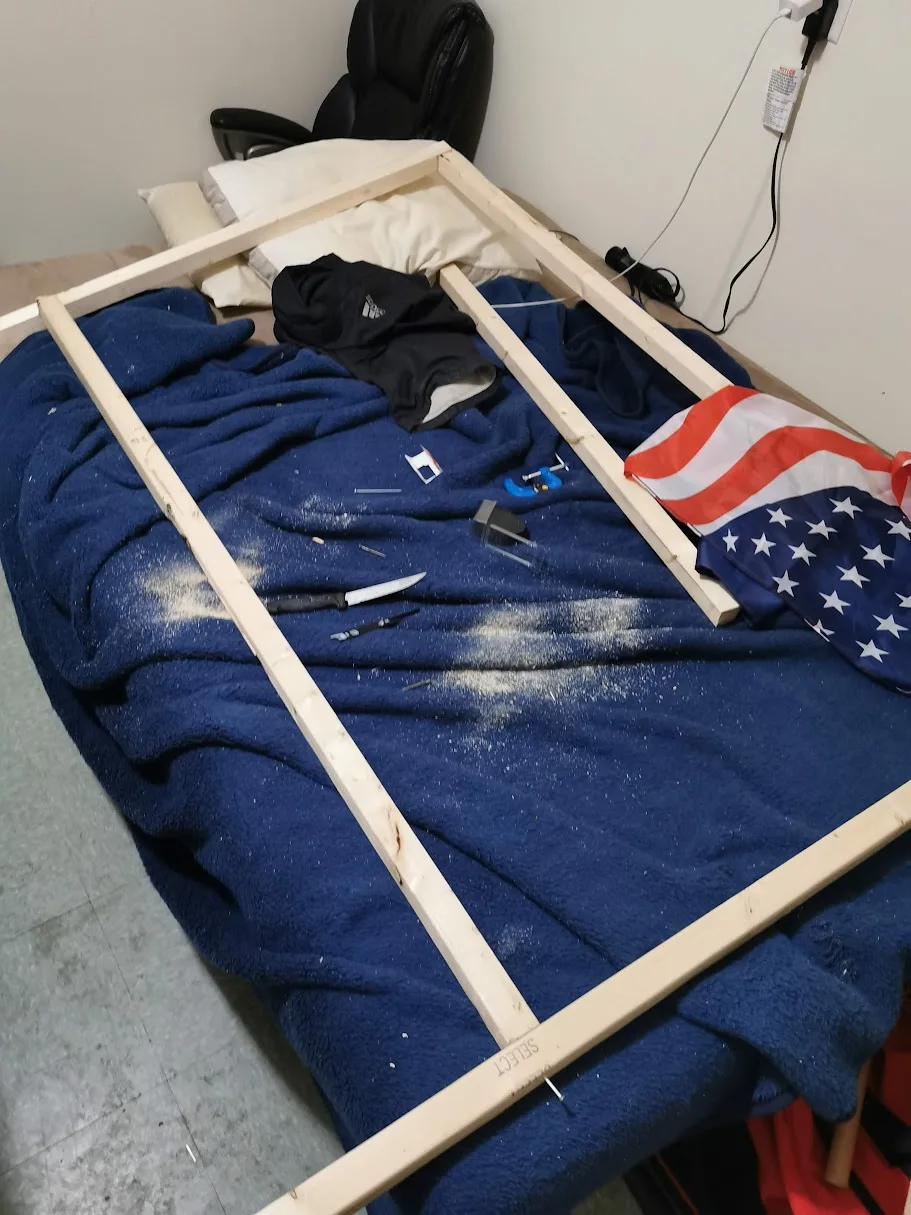
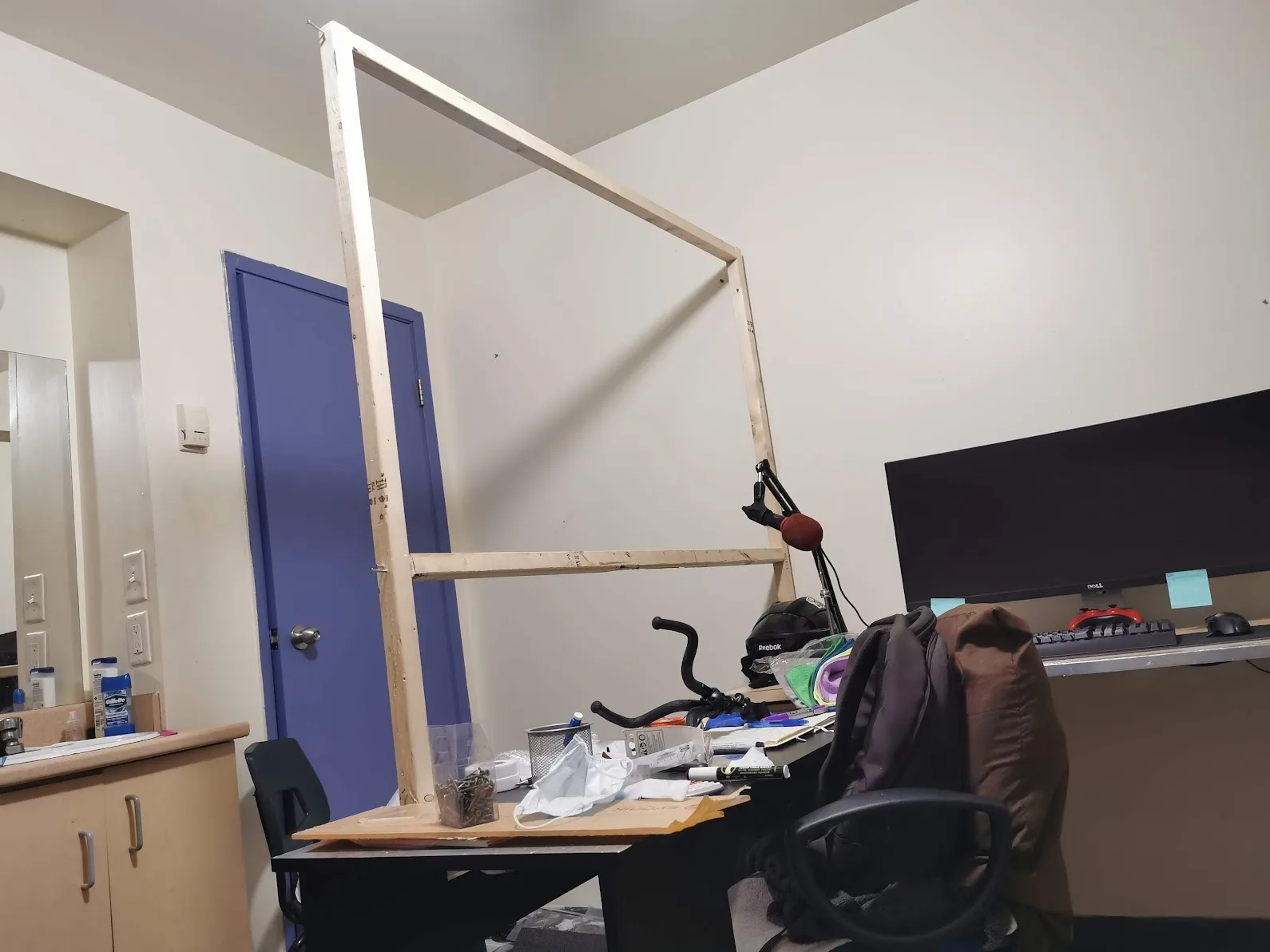
Building the frame


Building the frame β€” project illustration
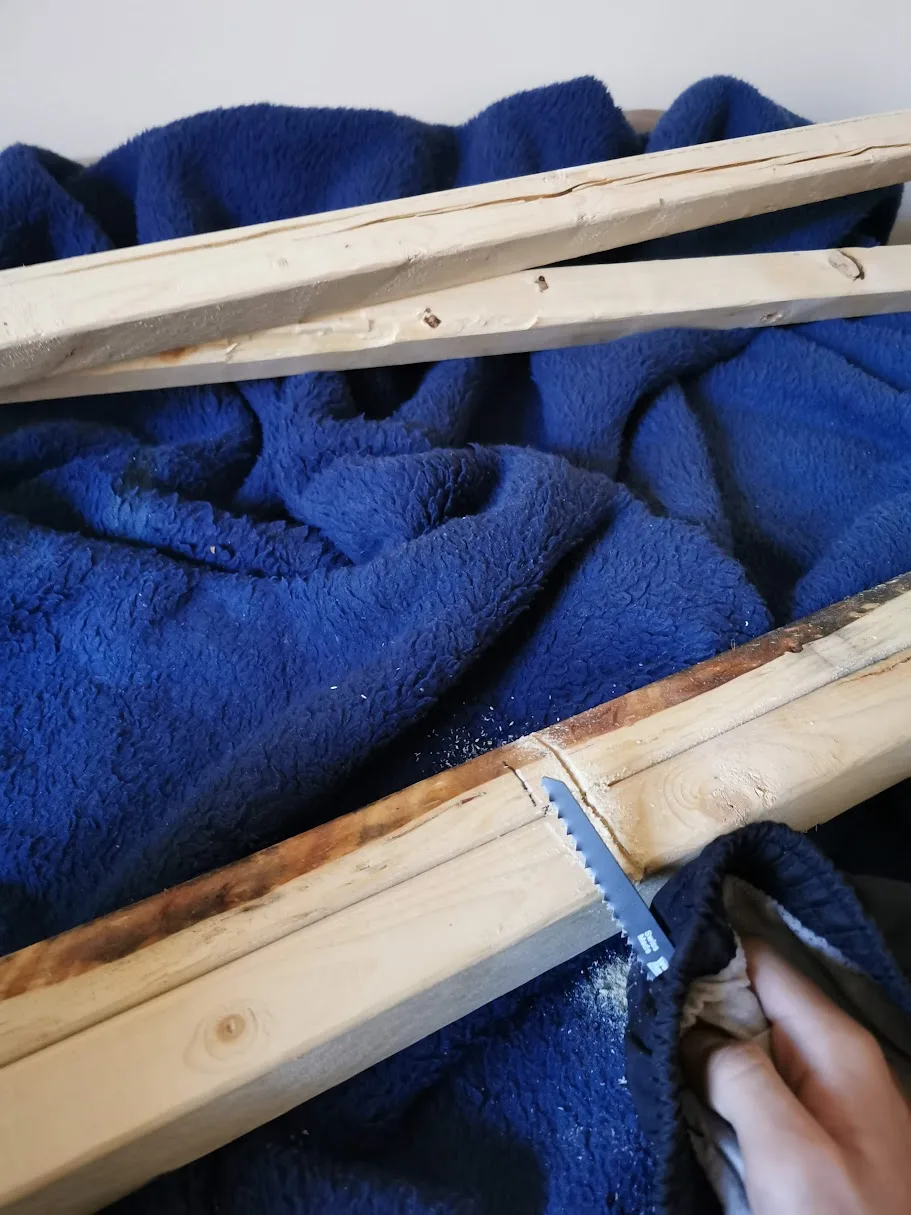
Cutting the wood.
Building the frame β€” project illustration
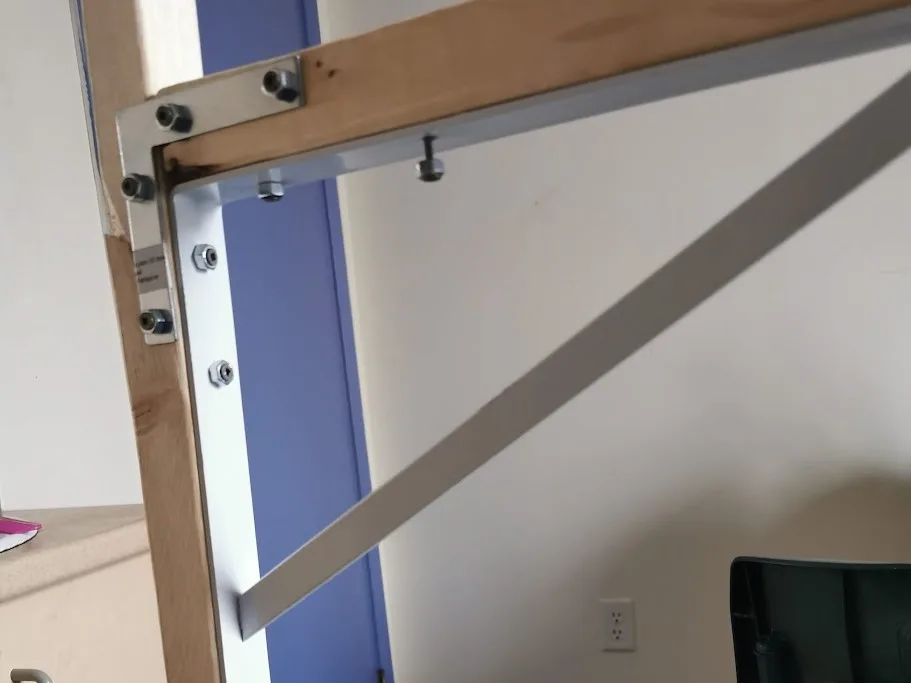
Screwing the pieces together.
Building the frame β€” project illustration
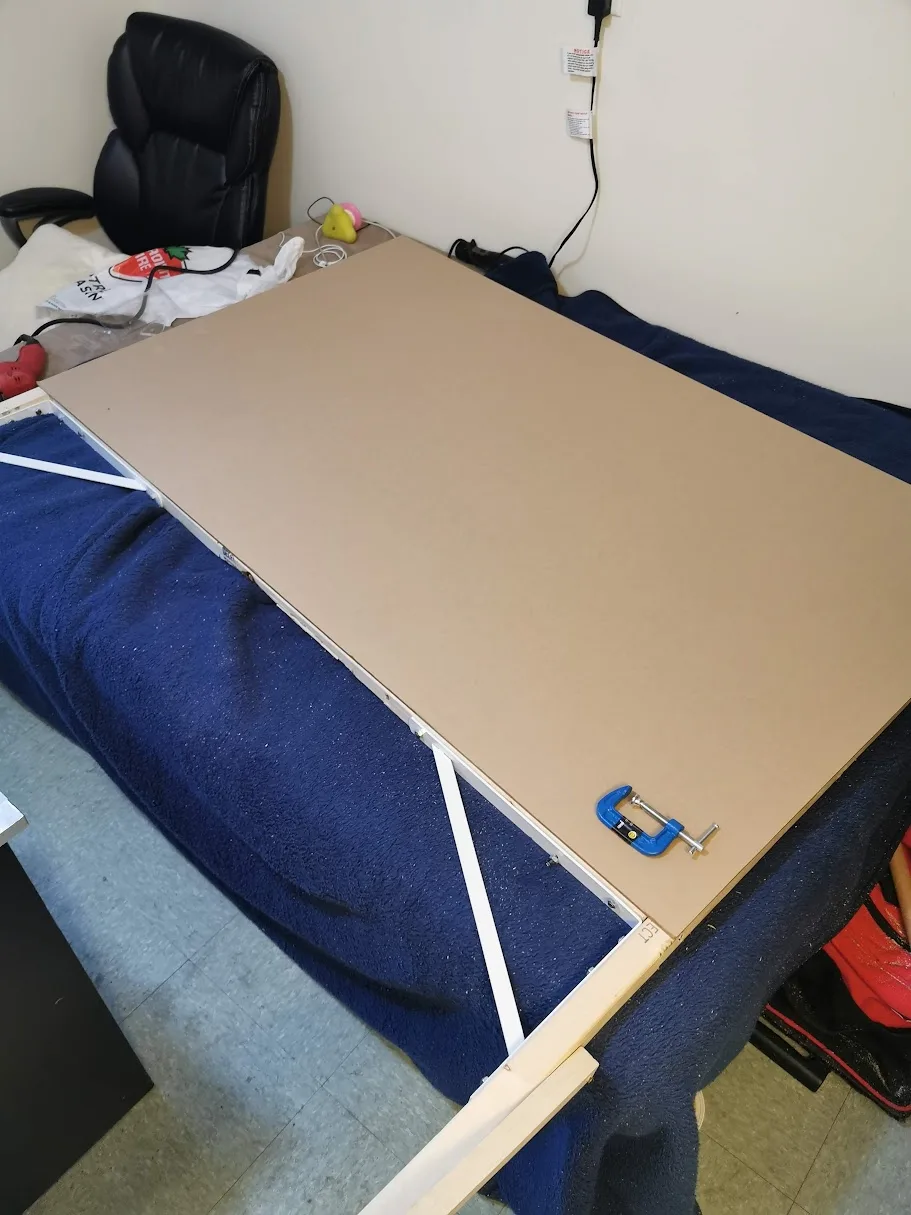
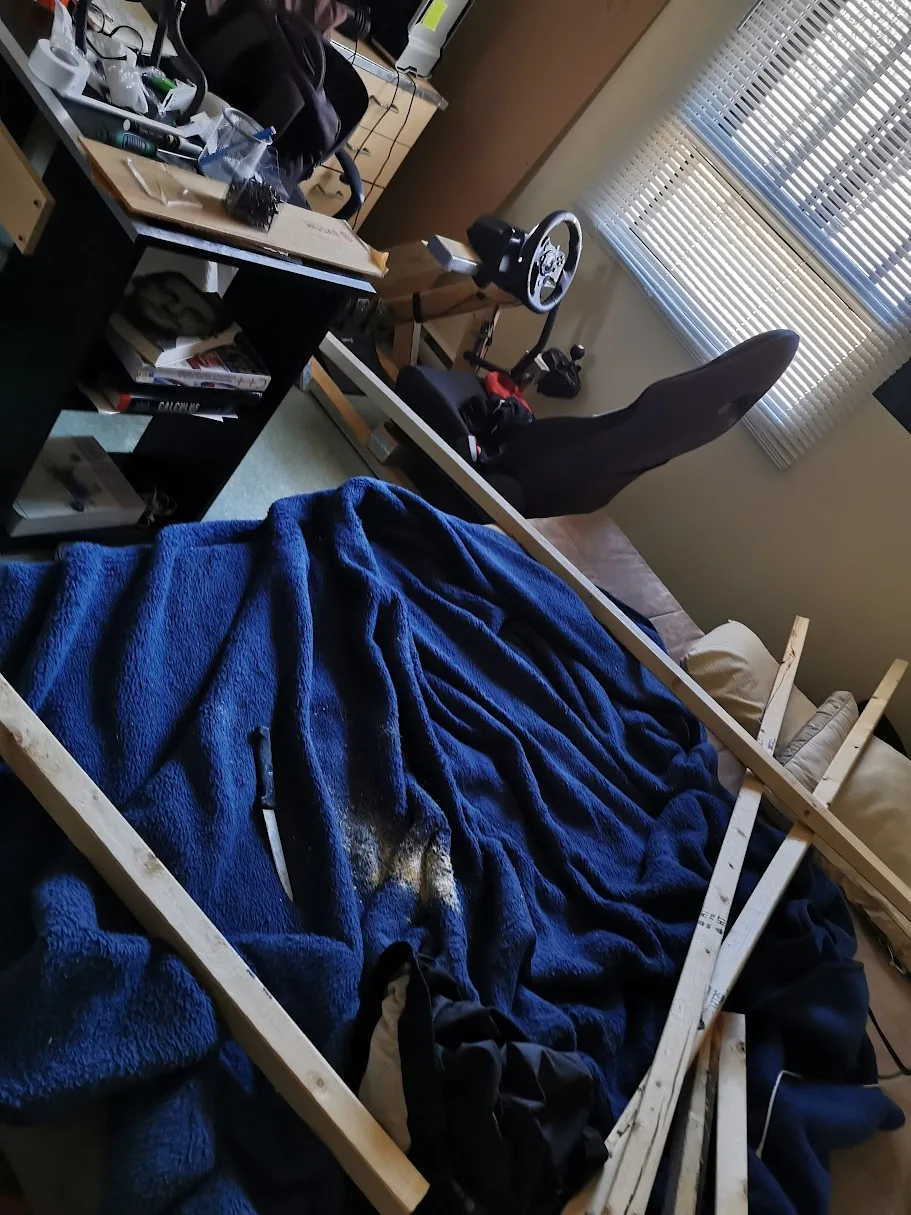
Poor blanket :/
Building the frame β€” project illustration
Built everything in my student dorm :)
Building the frame β€” project illustration
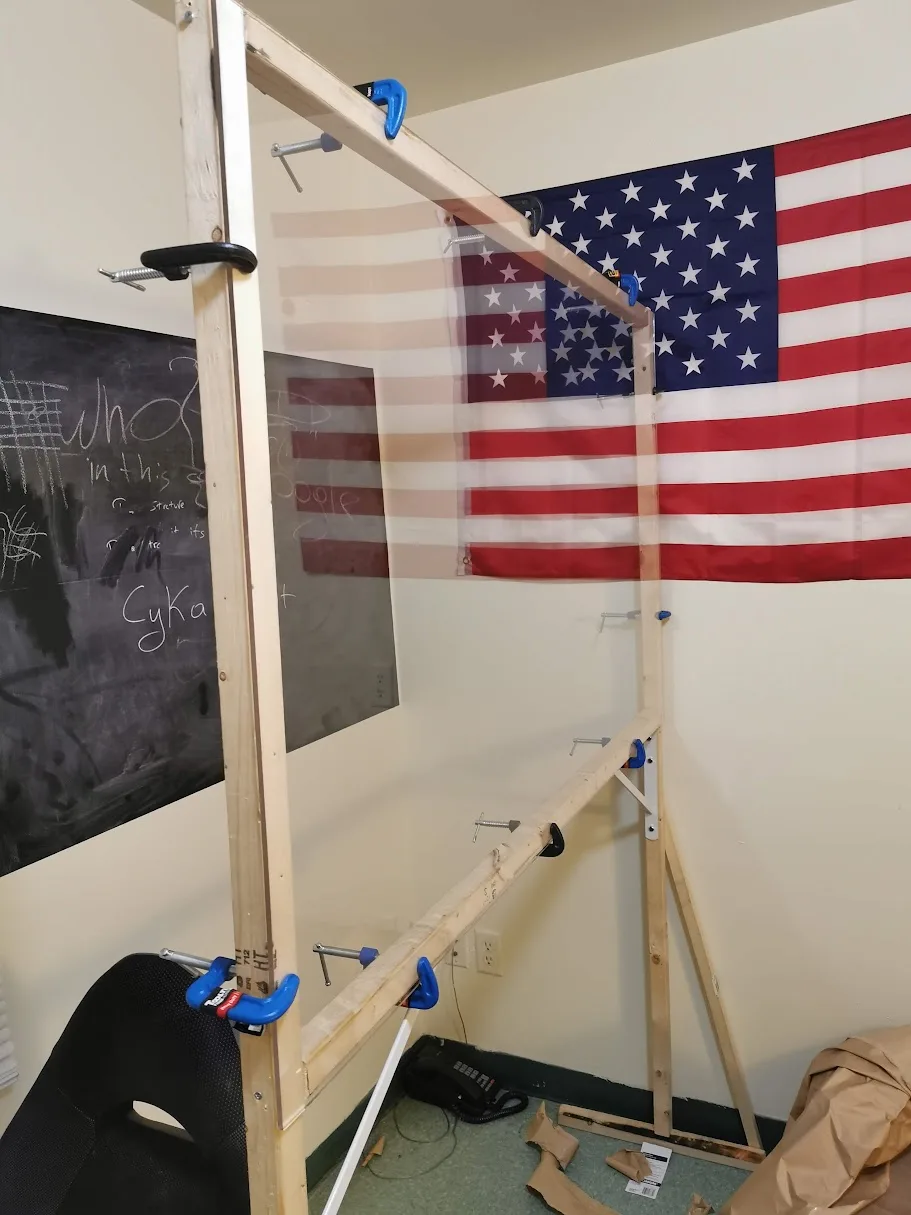
Strengthening the frame.

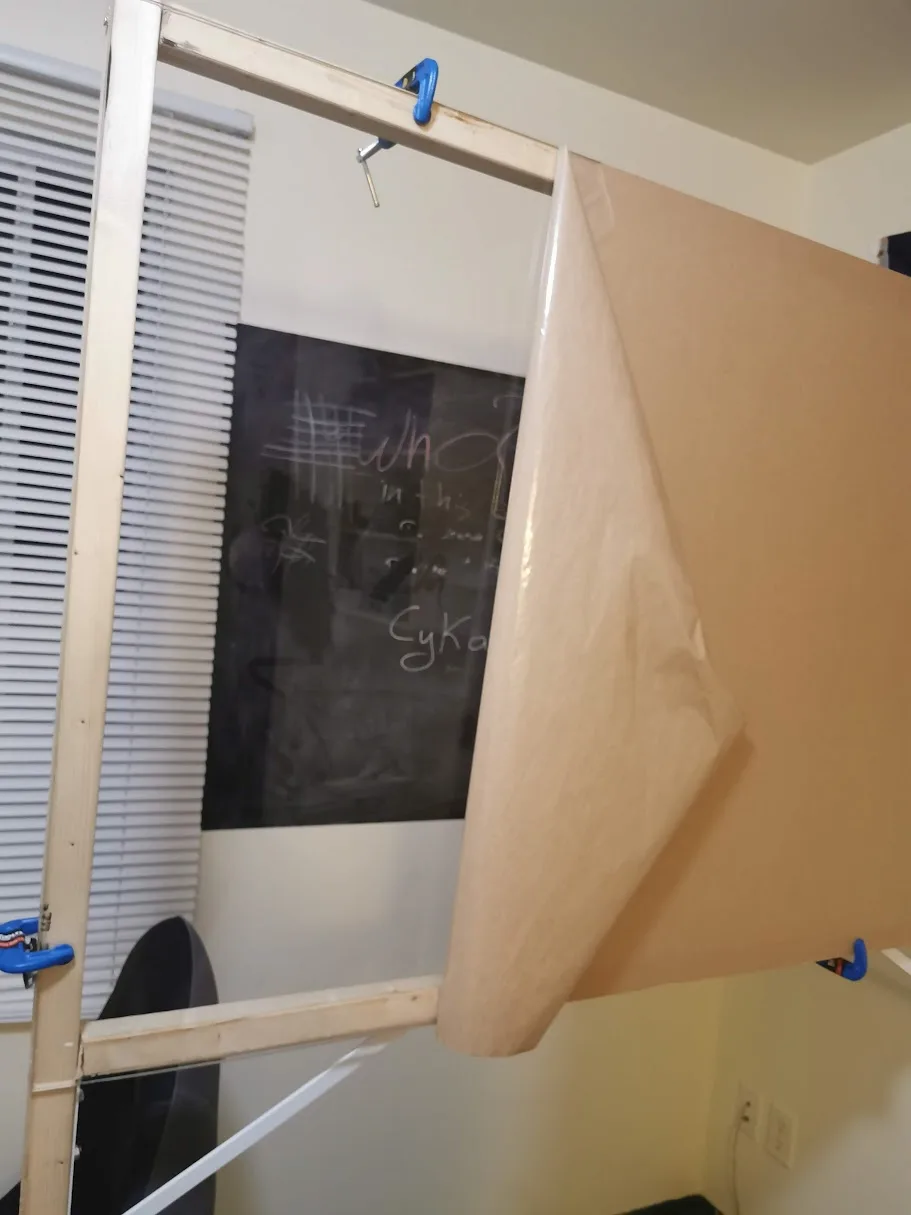
Acrylic plexiglass


Dimensions: 3 ft Γ— 6 ft Γ— 15/64 in / 91 cm Γ— 183 cm Γ— 0.6 cm.

Acrylic plexiglass β€” project illustration

Lights


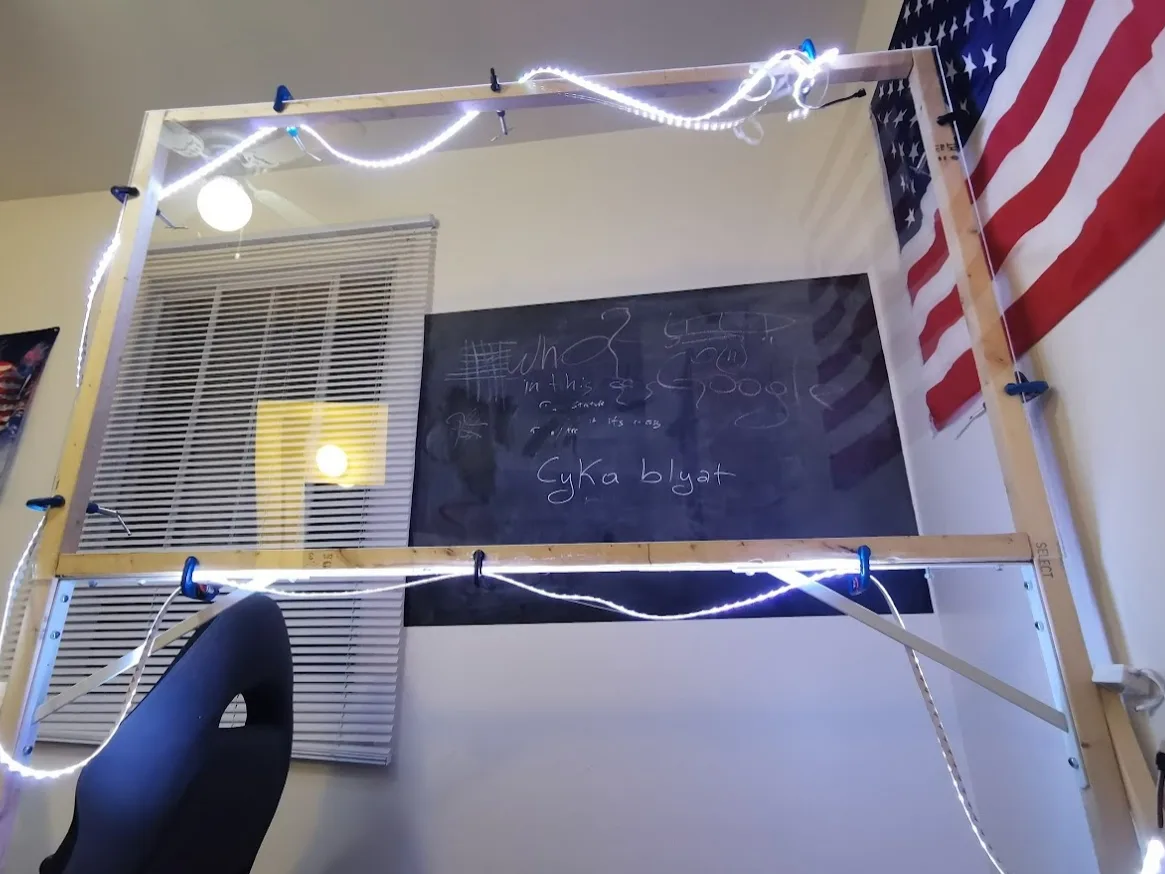
The LED strip runs along the edge of the plexiglass, facing into its thickness so the light travels through the sheet.
Lights β€” project illustration
Installing the LEDs.
Lights β€” project illustration
Looking good.
Lights β€” project illustration

Added bulbs to light my face.

Lights β€” project illustration

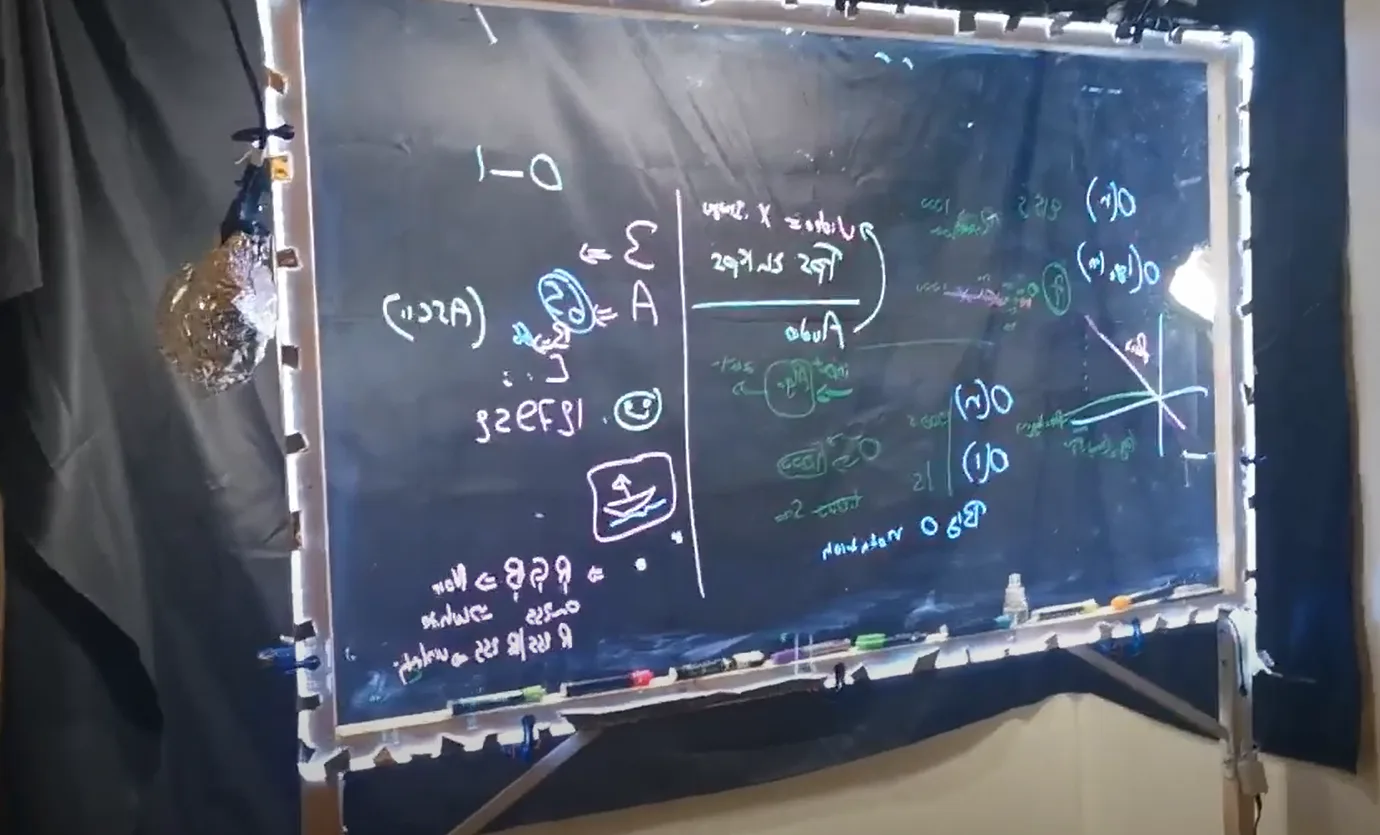
Added black fabric to reduce background reflections.


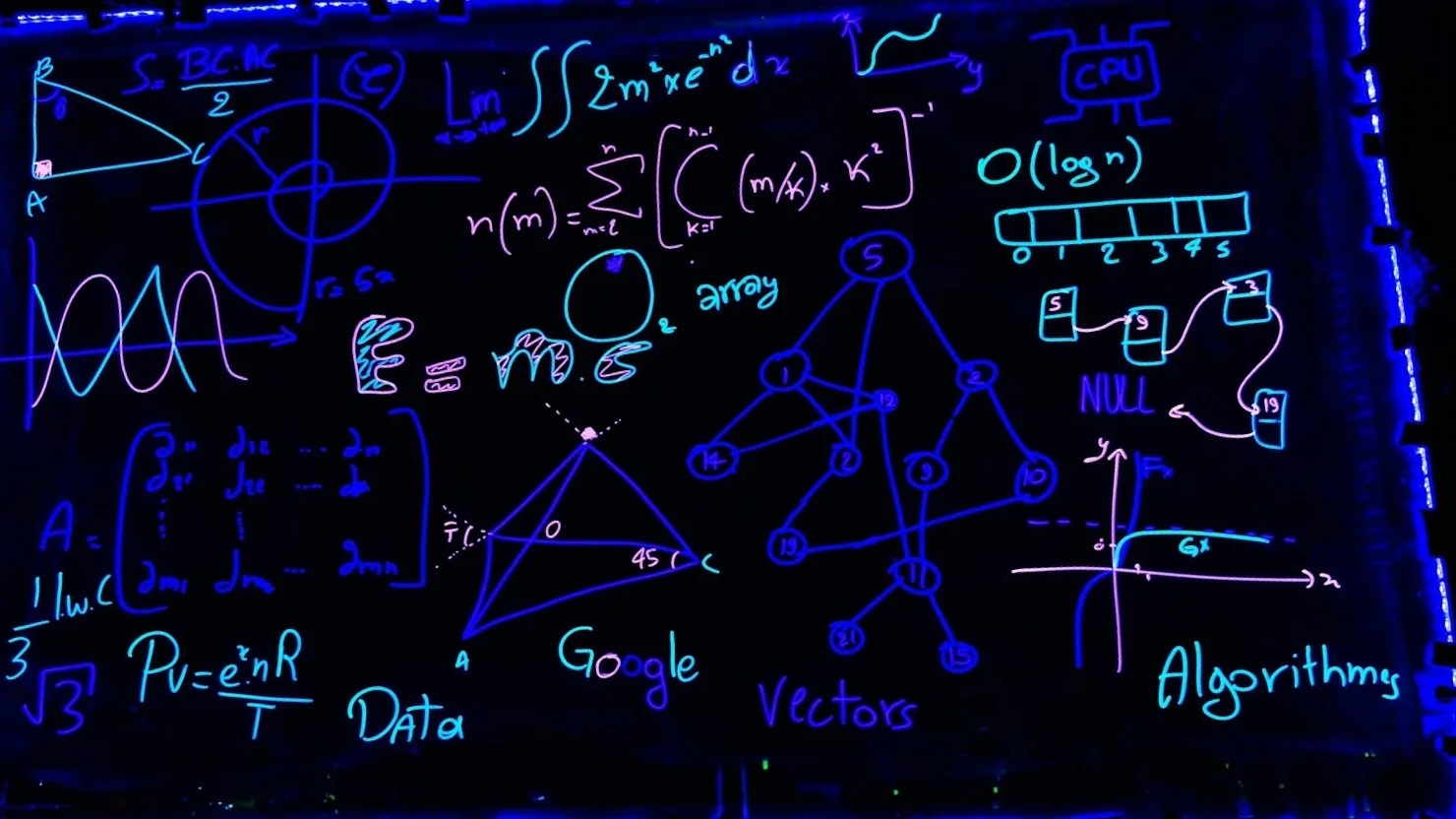
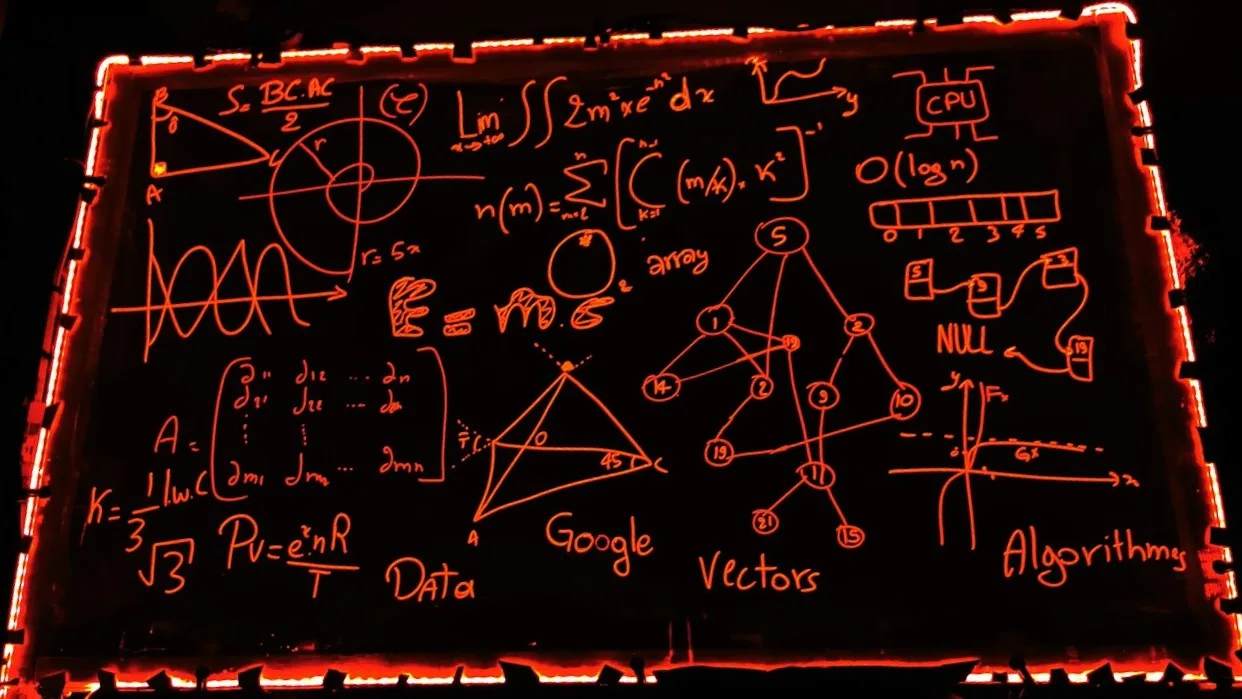
Changing the LED color changes the writing’s appearance without erasing or redrawing anything on the board.
Lights β€” project illustration

Making videos


  • Camera: Huawei P30 Pro.
  • Camera app: Pro mode in the built-in app.
  • Audio: This part was tricky because the phone was some distance away, with the board between us. I used a LavMicro to record audio separately, then synchronized it with the video during editing (a clap at the start gave me a reference point).
Making videos β€” project illustration

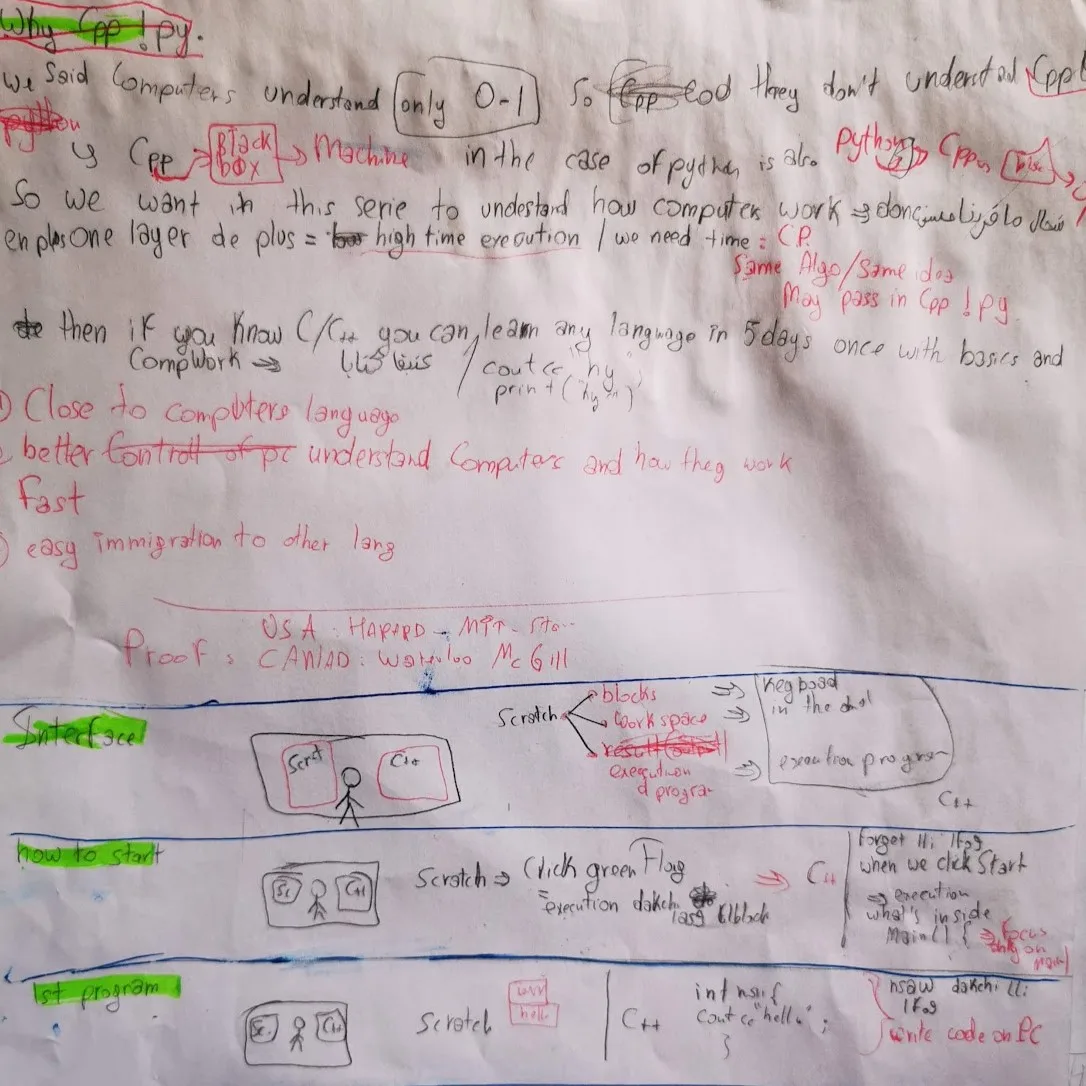
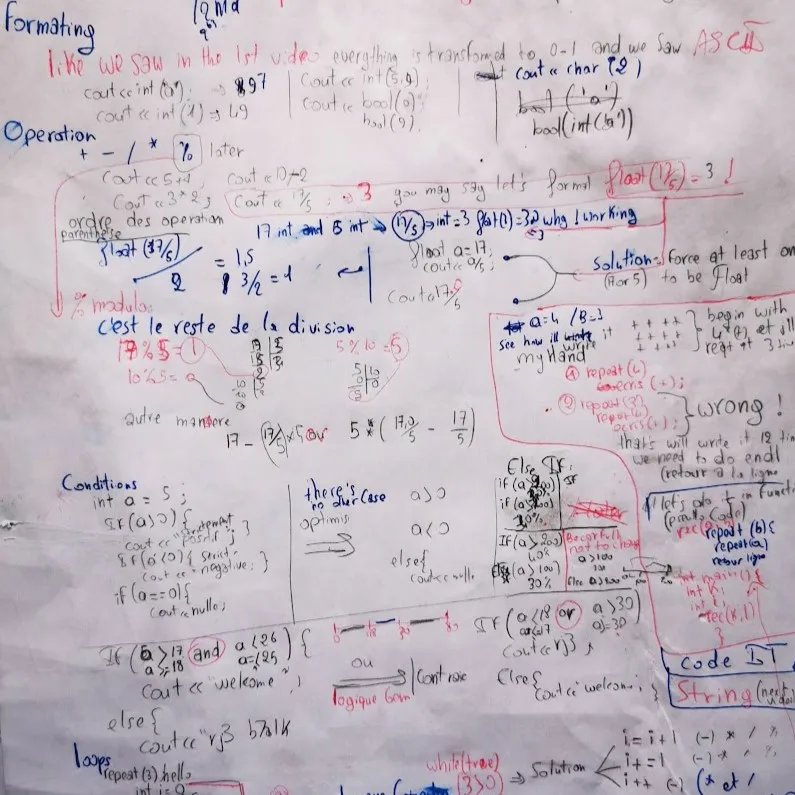
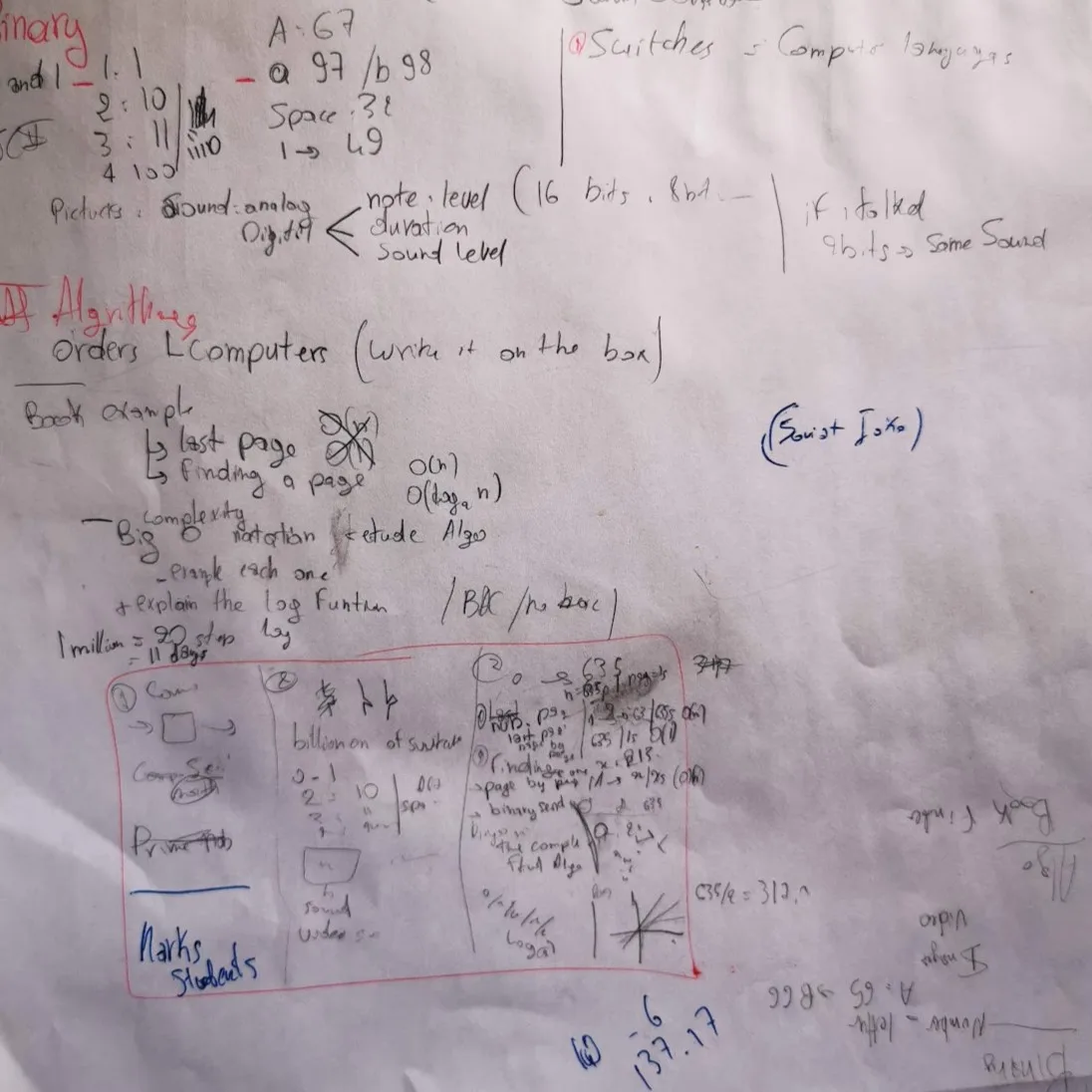
Organizing the ideas and fitting each lesson onto the lightboard.
Making videos β€” project illustration

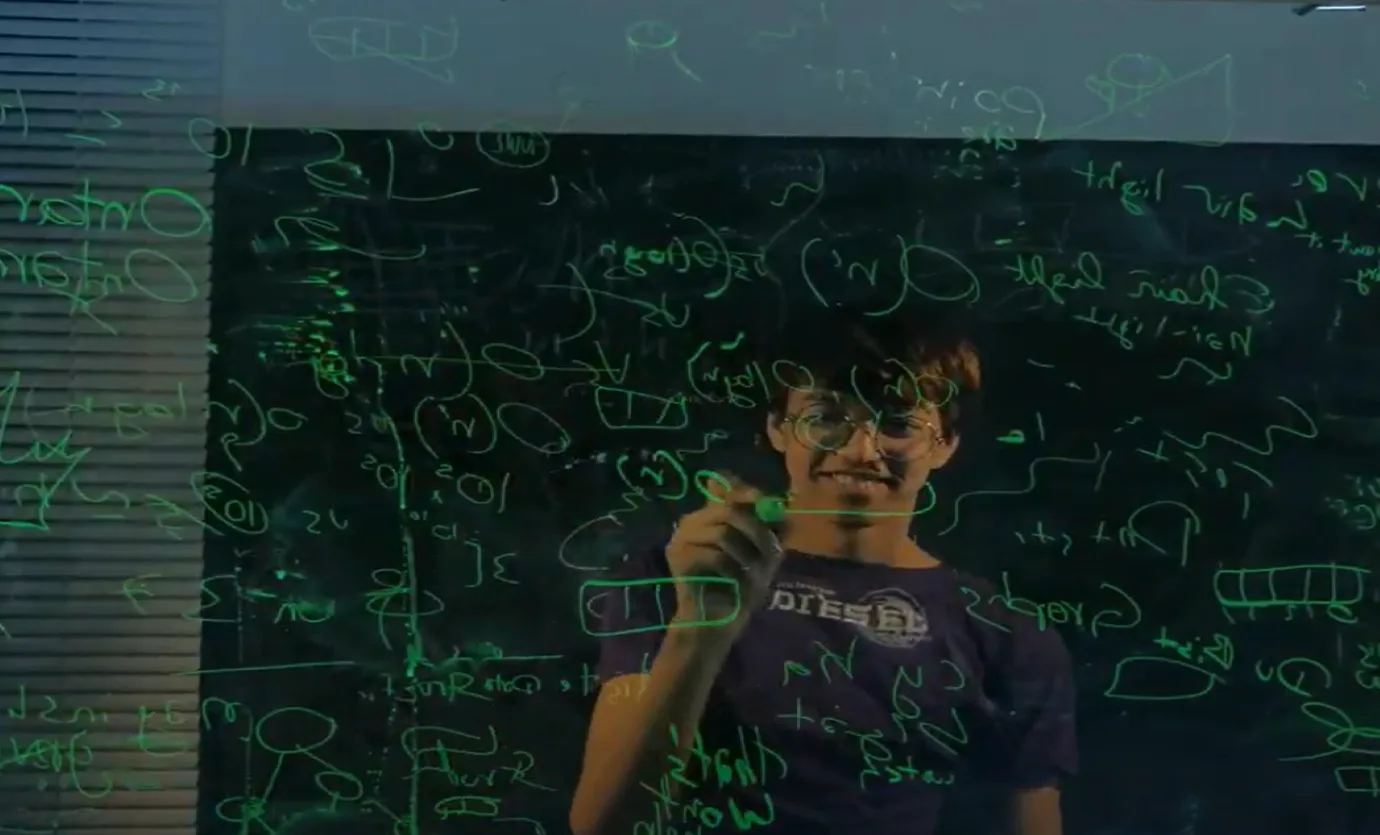

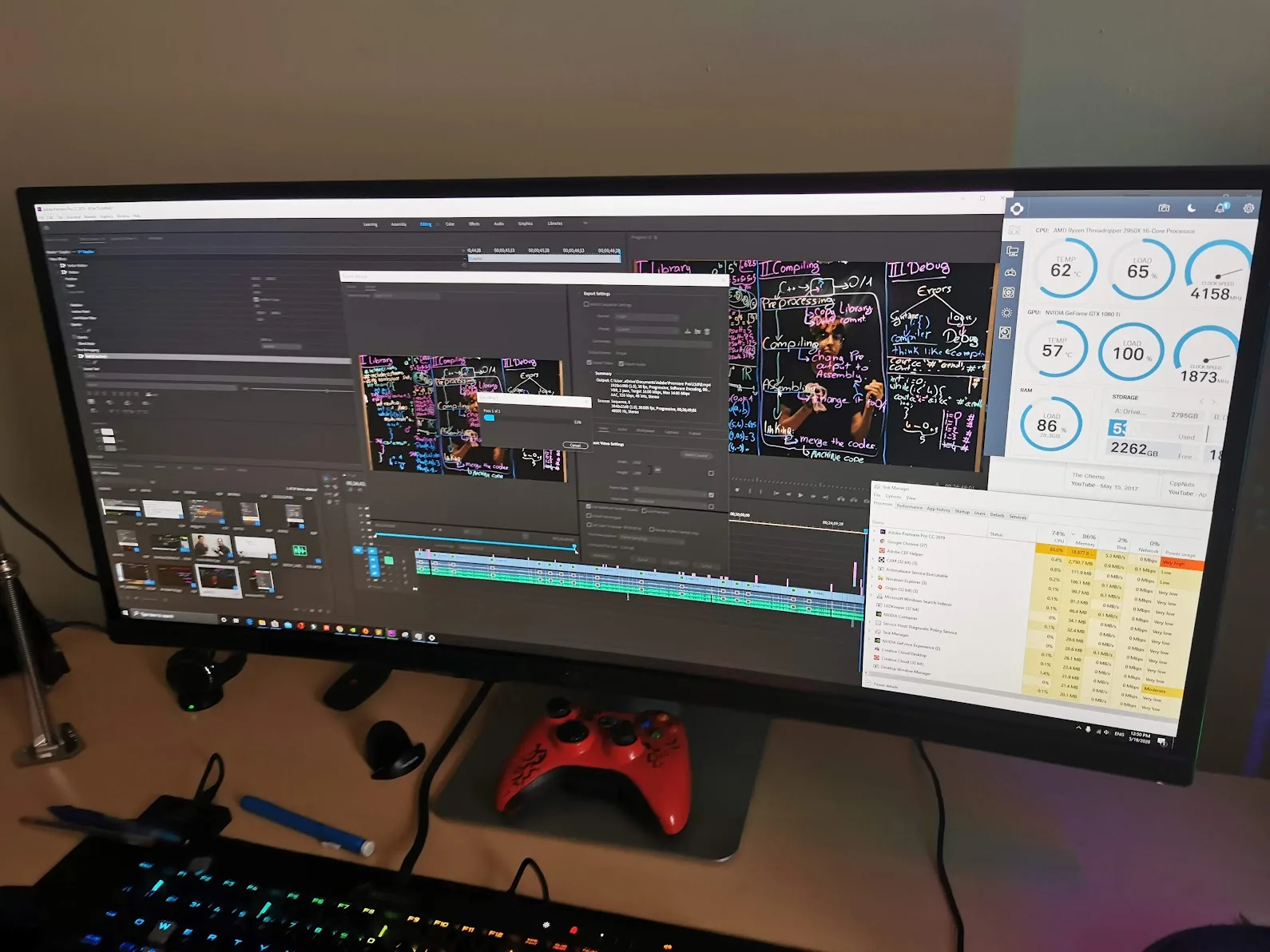
  • And no, I AM NOT WRITING BACKWARD. I get that question a lot! I simply flip the footage horizontally in Adobe Premiere.
Making videos β€” project illustration
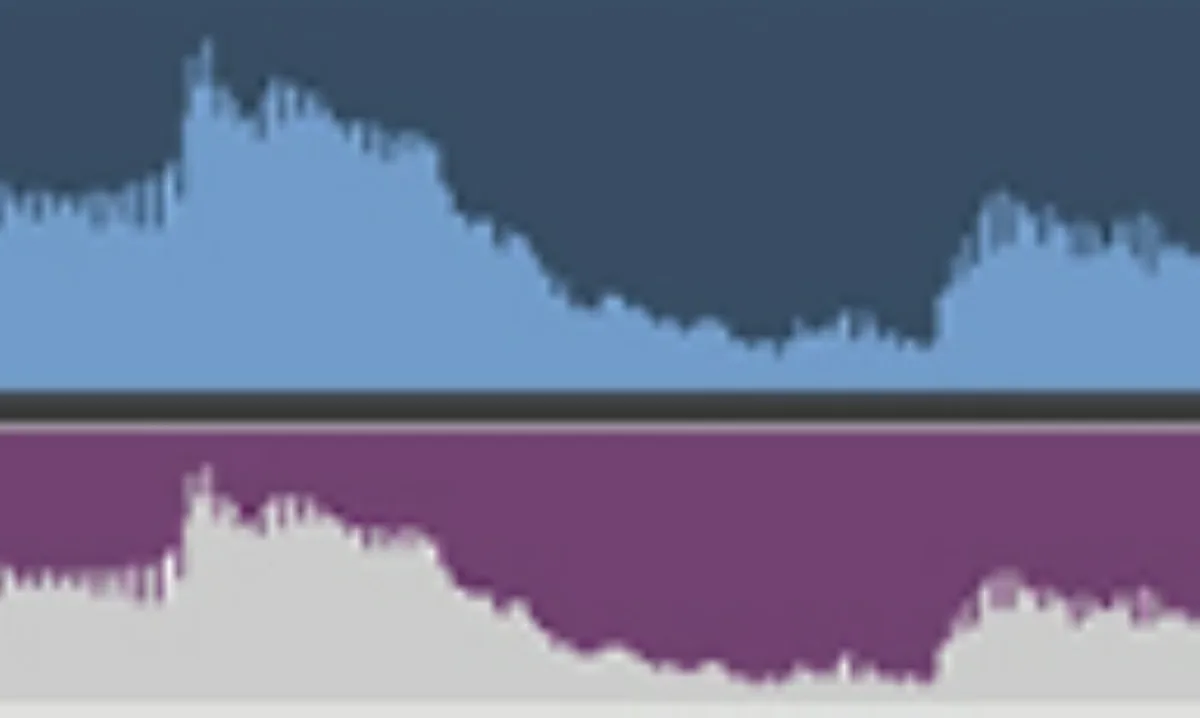
  • Since audio and video were recorded separately, I clapped at the start to create an audio spike, then matched it to the visible clap in the footage.
Making videos β€” project illustration

A few photos


Some pics β€” project illustration